

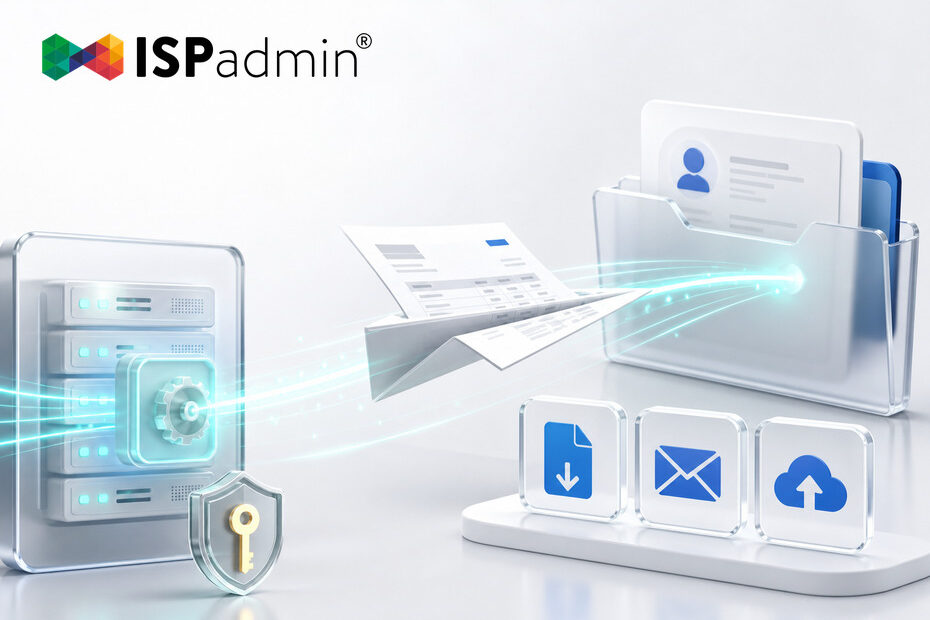
Version 5.43 extends the ISPadmin REST API with three new capabilities: download an issued invoice as a PDF, send an invoice to a client, and upload a file directly into the Client card. Together they mean that invoicing and client documentation no longer require anyone to click through the system by hand — your own application, portal, or script can handle it. And because version 5.42 already lets you control, through Token Management, who may create an API key at all, you gain options without losing control.
How many times a day does someone in your team log into ISPadmin just to download a single PDF invoice and forward it to a client? How many signed contracts sit in a shared folder instead of on the client’s record, because nobody got around to uploading them? And how much time does the monthly invoice run take when it could be triggered by a single call? If any of these sound familiar, version 5.43 has something for you.
Why it matters
The REST API is now a common gateway into ISPadmin. It is used to connect custom client portals, higher-level company applications, e-signature tools, accounting systems, and simple scripts that someone on the team wrote because they were tired of doing the same thing manually.
Invoicing, though, has long been the point where integrations hit a wall. Data could be read through the API, but when it came to the document itself — generating the PDF, sending it to the client, storing a signed contract alongside it — a person always had to step in and click it through in the system. The more clients you have, the more tedious it gets, and the more room there is for something to be forgotten.
Version 5.43 closes that gap.
What the new API capabilities bring
Downloading an issued invoice as a PDF. An invoice can now be retrieved through the API as a finished document, not just as a set of values. Your client portal can therefore offer the invoice for download directly, without sending the client to look for it elsewhere. It works equally well for archiving or for handing data over to an accounting system.
Sending an invoice to a client. Distributing documents can be triggered from your side, at the moment that fits your process — after a check in a higher-level system, for example, or tied to another event. Nobody needs to enter ISPadmin to do it.
Uploading a file into the Client card. Documents created outside ISPadmin reach the right client automatically. Typically a signed contract from an e-signature tool, a handover protocol from the field, or a document from another workflow. Instead of “someone will upload it later,” the file is where it belongs straight away.
Three roles, three reasons to appreciate it
The billing administrator stops being the bottleneck of the monthly close. What used to mean dozens of clicks is taken over by the system — and their time goes to the cases that genuinely need a human eye.
The developer or integrator finally gets the whole process into a single integration. No more half-solutions where some steps go through the API and others are done by hand, and no more sending users into two different systems.
The ISP owner sees the result in two numbers: faster delivery of invoices means earlier payments, and fewer manual steps mean fewer errors to track down and correct later.
How it fits into the rest of the system
This extension builds on what we wrote about in July — Token Management in version 5.42. There we covered who may generate an API key at all and added separate permissions for it. Now comes what such a key can actually do.
The two are closely connected. The more the API can do, the more it pays to keep control over who receives a key. If you have not reviewed your tokens since upgrading to 5.42, this is a good moment.
Three tips for rolling it out well
- Tip 1 — Start with one process, not all of them. Pick whatever slows you down the most, usually the invoice run, and automate just that first. You will test the whole chain on something with an immediately visible benefit.
- Tip 2 — One token per integration. Do not share a single key across tools. When you later need to disconnect one integration, or trace where a call came from, you will be glad you did.
- Tip 3 — Test on a small sample. Before you turn automatic sending loose on your whole database, run it for a handful of clients and check what actually reached them.
What the ISP gains
- Less manual work around invoicing — downloading PDFs and distributing documents are handled by the system itself.
- Documents in the right place — signed contracts and protocols reach the client record automatically, not whenever someone remembers.
- A better client portal — your own portal can offer the invoice for download directly, without pointing clients elsewhere.
- Faster payments — the sooner an invoice reaches the client, the sooner it can be paid.
How to get started
The new API capabilities are part of version 5.43. If you have not deployed it yet, please contact us about upgrading. Then we recommend three steps:
- Step 1 — Review in Token Management which API keys exist in your system, and issue a new token for the integration you are planning.
- Step 2 — Choose the one process that costs you the most time today, and start there.
- Step 3 — Verify the result on a few clients before you run it for real.
If you are interested, we are happy to advise on the integration design and on setting up the permissions.