
ISPadmin features
ISPadmin is billing and network management software for internet service providers (ISPs). It covers billing, CRM and network management (OSS/BSS) in one system. Clients (subscribers), contracts, invoices, the network and your technicians’ work are all in one place, so you enter data only once and changes carry through to invoices, routers and the client portal on their own.
The Basic module is part of every license. You add other modules as your business needs them, and you can try each one for free first.
From a new client to a paid invoice
The modules work with the same data, so each step follows on from the previous one without copying anything from one program to another.
-
Client and contract
You enter the client and their services once and create the contract from a template.
-
Connection
The technician has the task in the calendar, and you issue the material to them from the warehouse. Once the service is activated, ISPadmin sets the speed in the network itself – on the router, through RADIUS or on the OLT.
-
Invoice
You issue invoices for all services in bulk. Clients receive them by e-mail and also find them in the client portal.
-
Payment
You import payments from a bank statement and match them to invoices, with the help of your own matching rules.
-
Reminder and blocking
Clients who don’t pay receive a reminder by e-mail or SMS, and ISPadmin restricts their service according to your rules. Once they pay, it restores the service.
Clients, contracts and services
The client, their services, contracts and documents on one card – from the first entry to the contract renewal.
- Client details with a VAT number check in VIES
- Contracts from templates and a reminder before they end
- Client portal with invoices, documents and requests
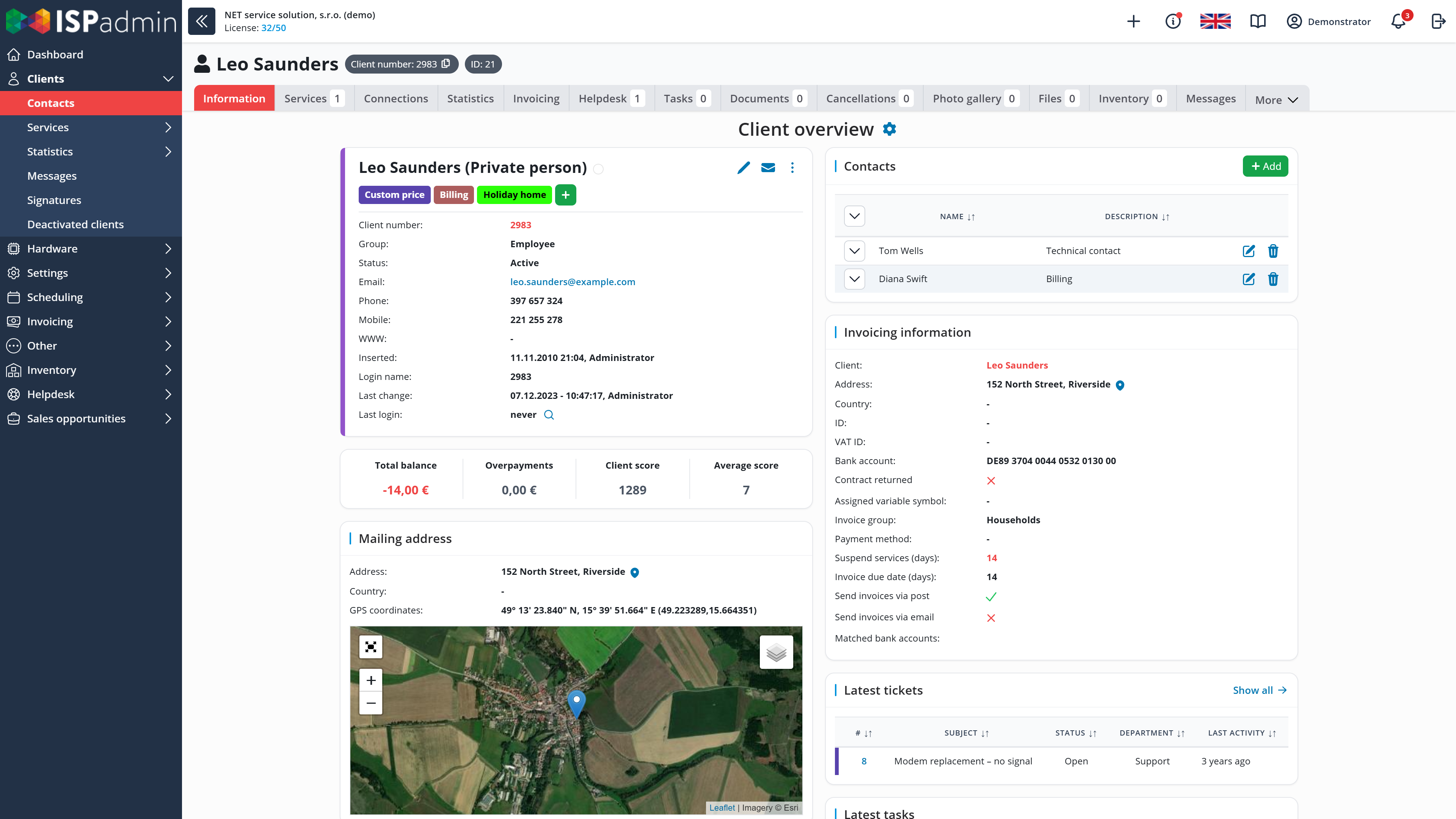
Billing and payments
You issue invoices in bulk, and ISPadmin matches payments from bank statements to them. It sends reminders according to your rules.
- Bank statement import with your own matching rules
- Reminders by e-mail and SMS, blocking of non-payers and restoring after payment
- CSV and XML exports for your accounting system
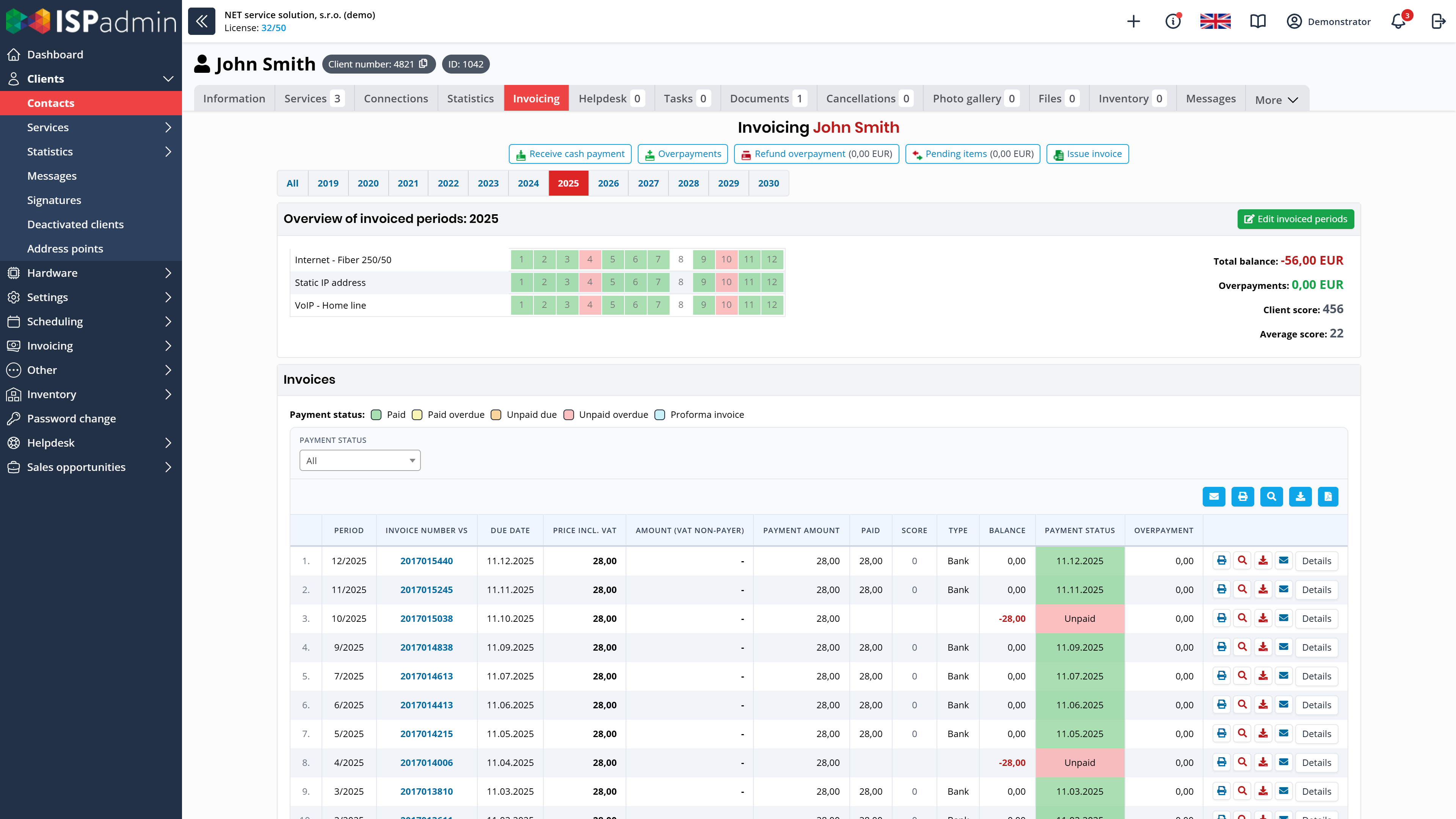
Network and monitoring
ISPadmin writes changes made on the client card to routers and OLTs, and NetMonitor watches what is offline.
- Changes written to MikroTik, Linux routers and OLTs without logging in
- Bulk RouterOS updates and configuration backups
- During a mass outage, NetMonitor sends only the essential alerts
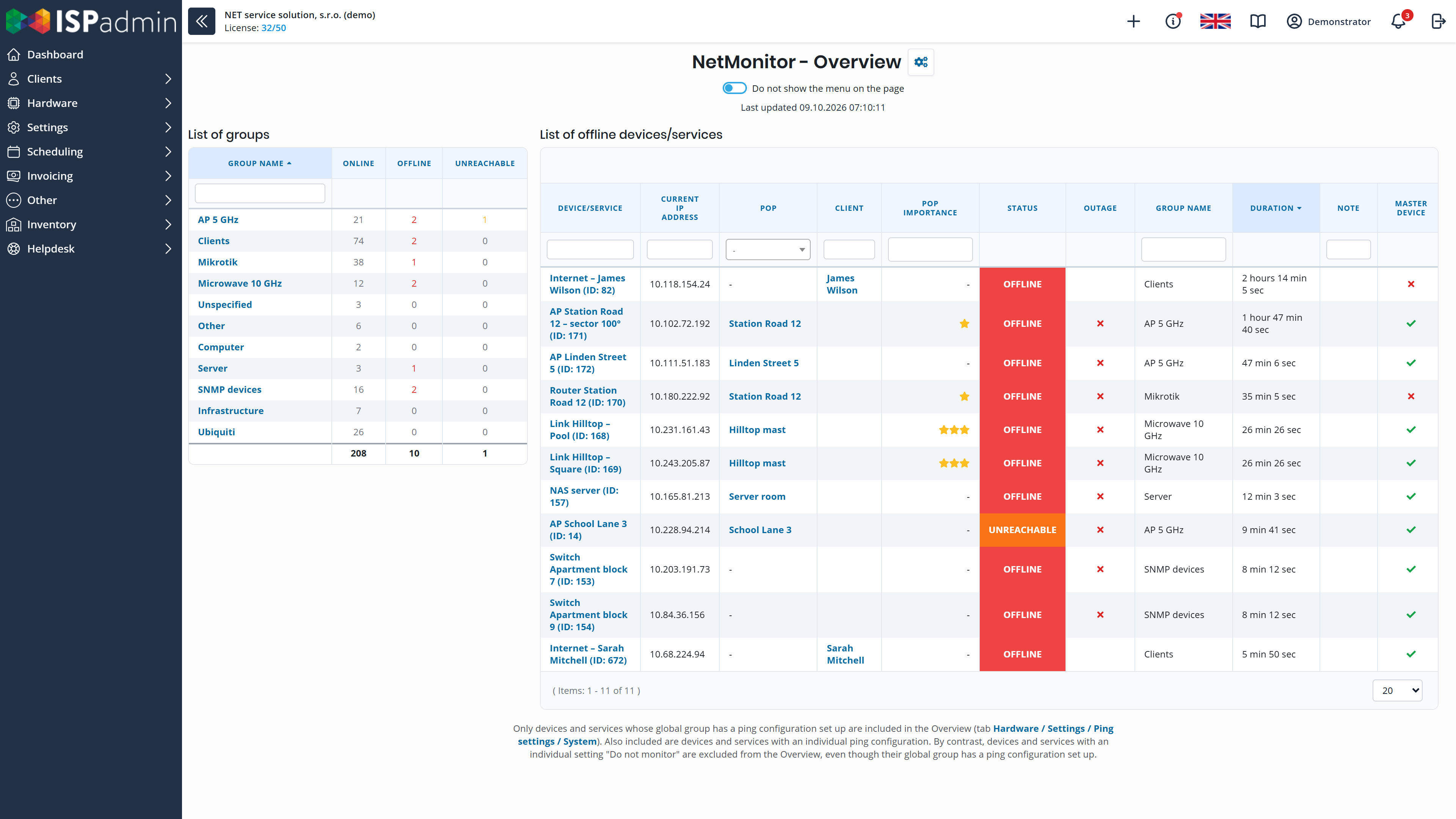
Helpdesk, technicians and inventory
From a client’s e-mail to the technician’s visit and the invoice for the work and material.
- E-mails, SMS and phone calls in one ticket with the client
- Technicians’ tasks in the calendar, with the visit time sent to the client
- Inventory with the serial number and history of every item
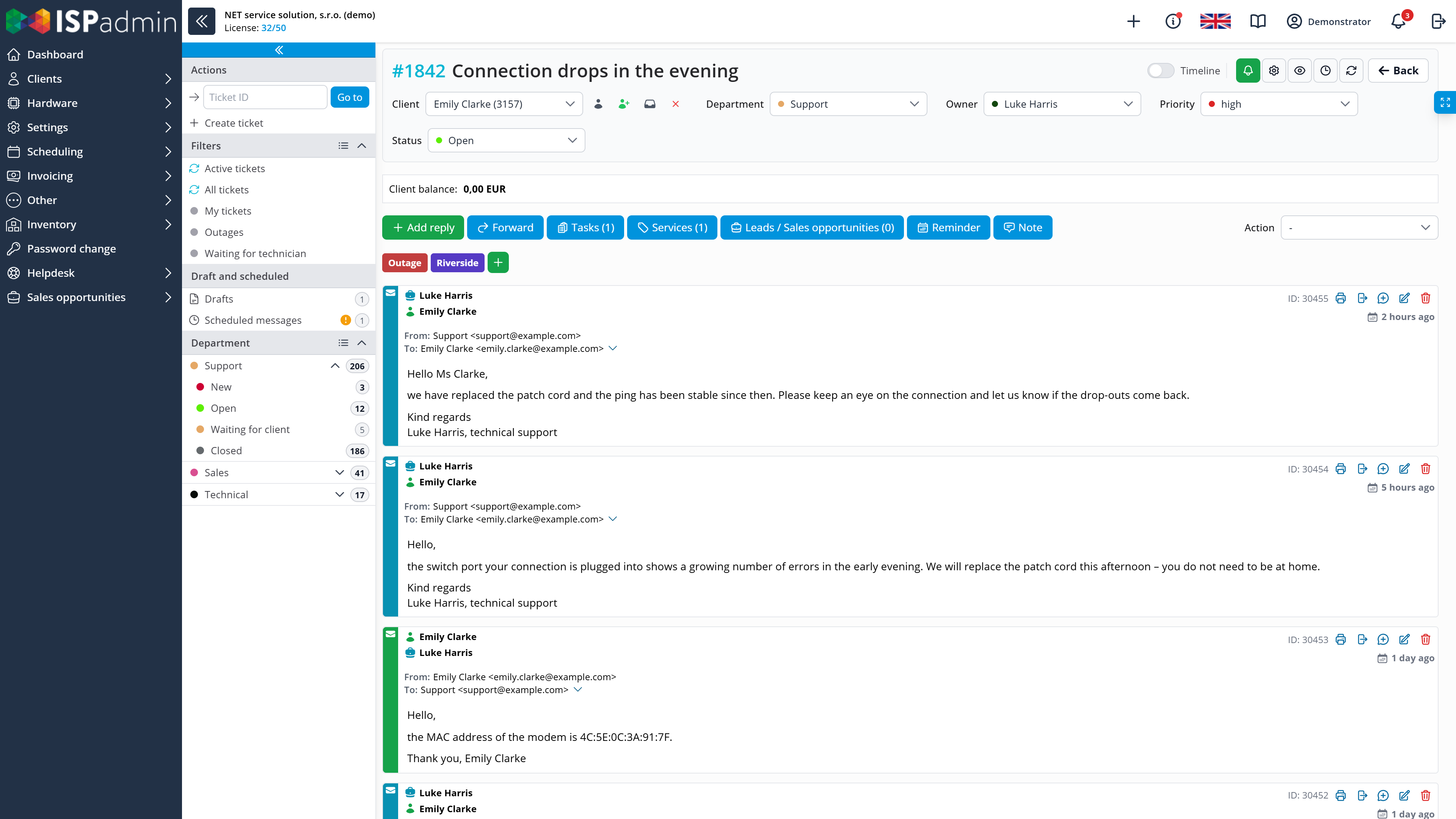
Sales and reports
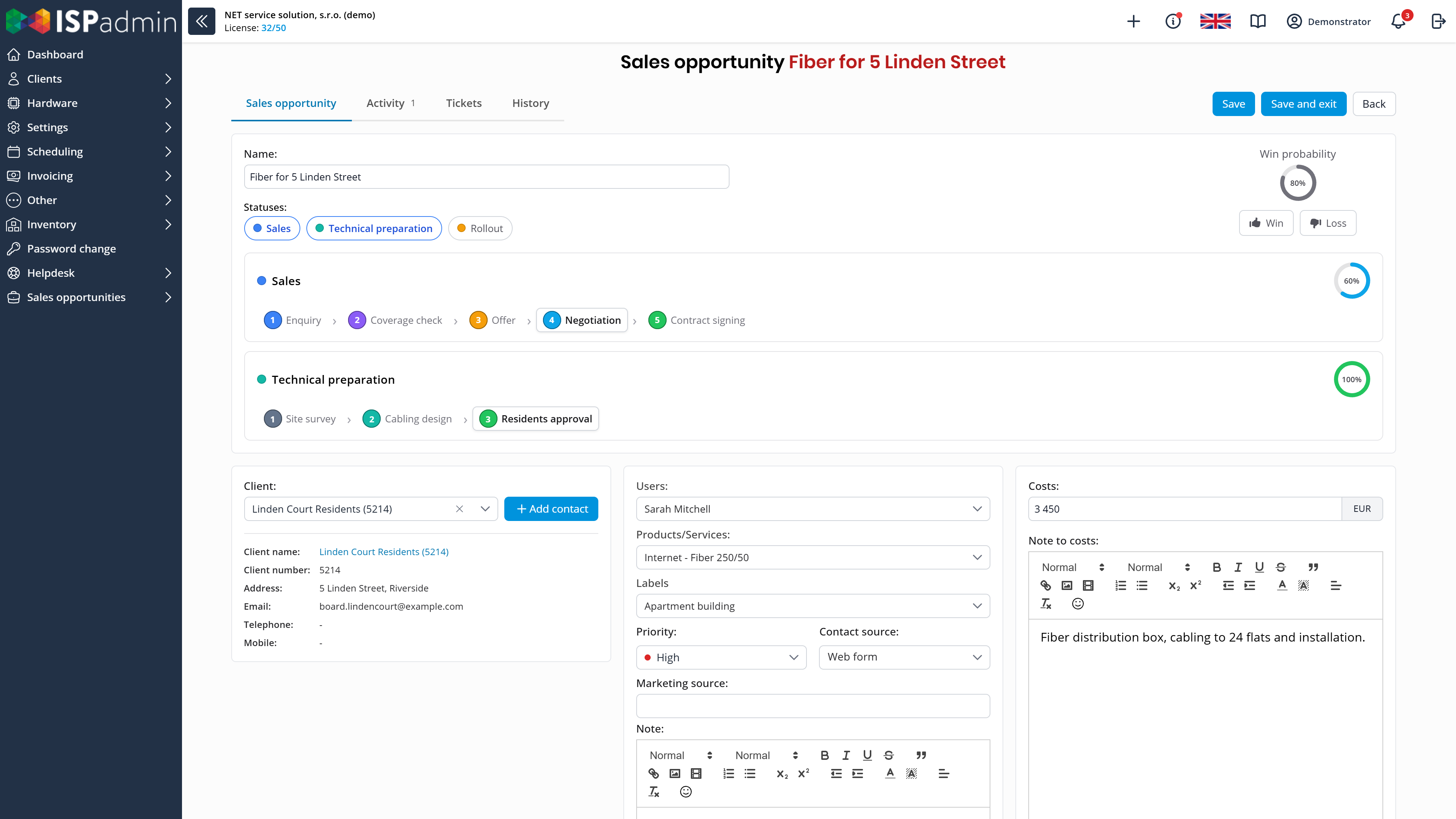
You follow enquiries through to the contract. As soon as you log in, you see what is happening in the company and in the network.
- Sales opportunities with your own stages and the reason for each loss
- Commissions for sales agents from client services
- A Dashboard of widgets for every role and statistics by tariff
Security and ISP obligations
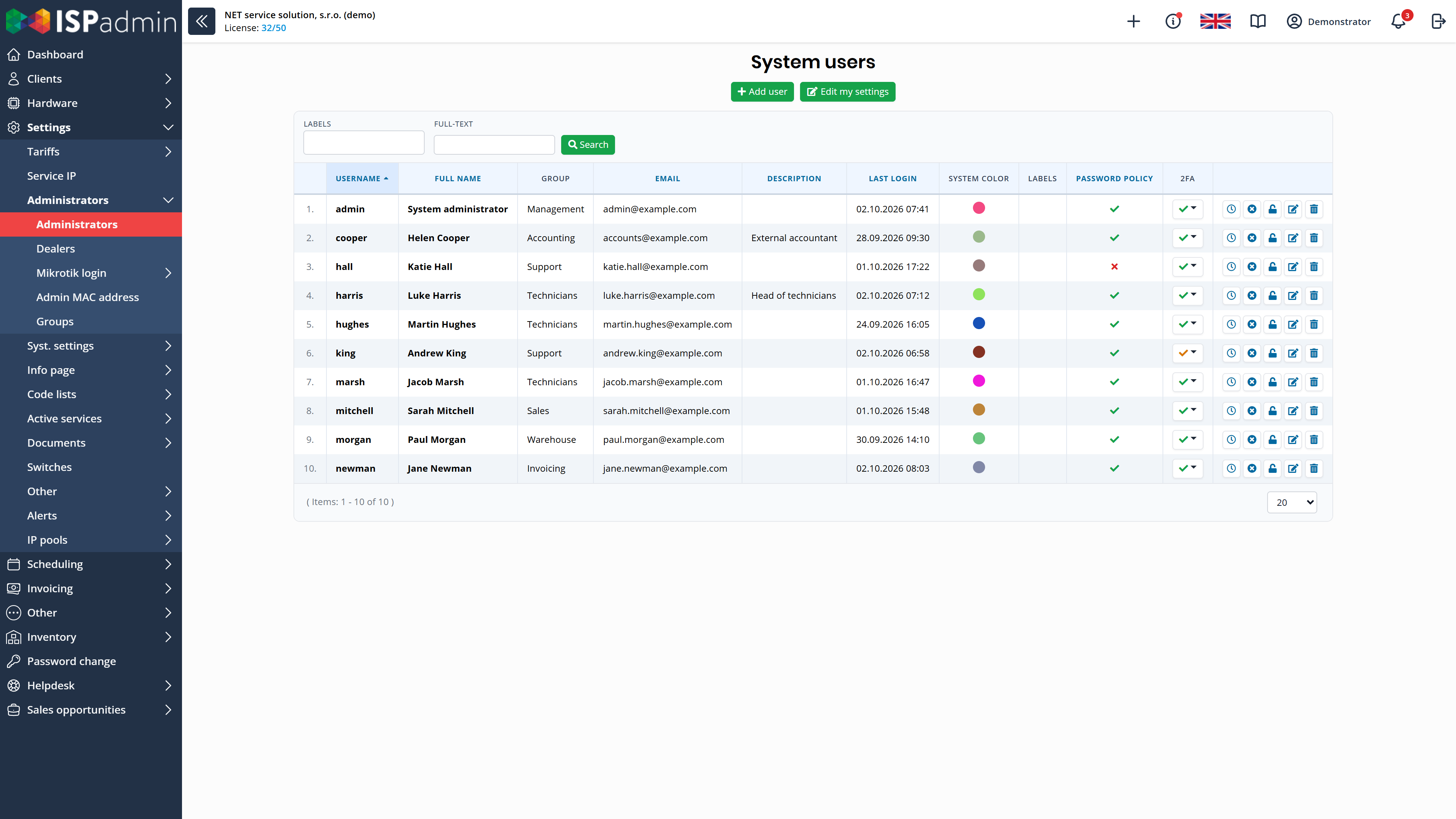
Tools for NIS2 and the protection of personal data – most of them are part of the Basic module.
- Two-factor authentication, a password policy and user permissions
- Change history for clients, addresses and devices
- GDPR consents and anonymisation of clients
Integrations and API
ISPadmin works with network devices, bank statements, online payments, SMS gateways and calendars. You connect your own applications through the REST API.
- MikroTik, Ubiquiti, Cambium, Huawei and TP-Link OLTs and CMTS
- Bank statements in camt.053 or CSV, PayPal in the client portal
- REST API with public documentation and tokens with permissions

What the license includes and what you add
Every license includes the Basic module: clients, services and contracts, the client portal, the Dashboard and most of the security features.
Of the add-on modules, Radius, GPON and CMTS work only with the Network Management & Monitoring module.
For which networks
ISPadmin is not tied to one manufacturer. You manage wireless, fibre and cable networks in one system.
-

Wireless networks
MikroTik, Ubiquiti, Cambium and others. Tariff changes are written to MikroTik routers. With the Radius module, clients log in via PPPoE or HotSpot.
-

GPON fibre
Huawei and TP-Link OLTs, ONTs of any brand. You activate the service from the client card, and ISPadmin configures the OLT.
-

Cable networks
CMTS Cisco uBR, Arris, Motorola BSR, CASA and Juniper. You keep records of modems and CATV connections and monitor the cable network.
All devices are listed under Supported devices.
Running ISPadmin and switching to it
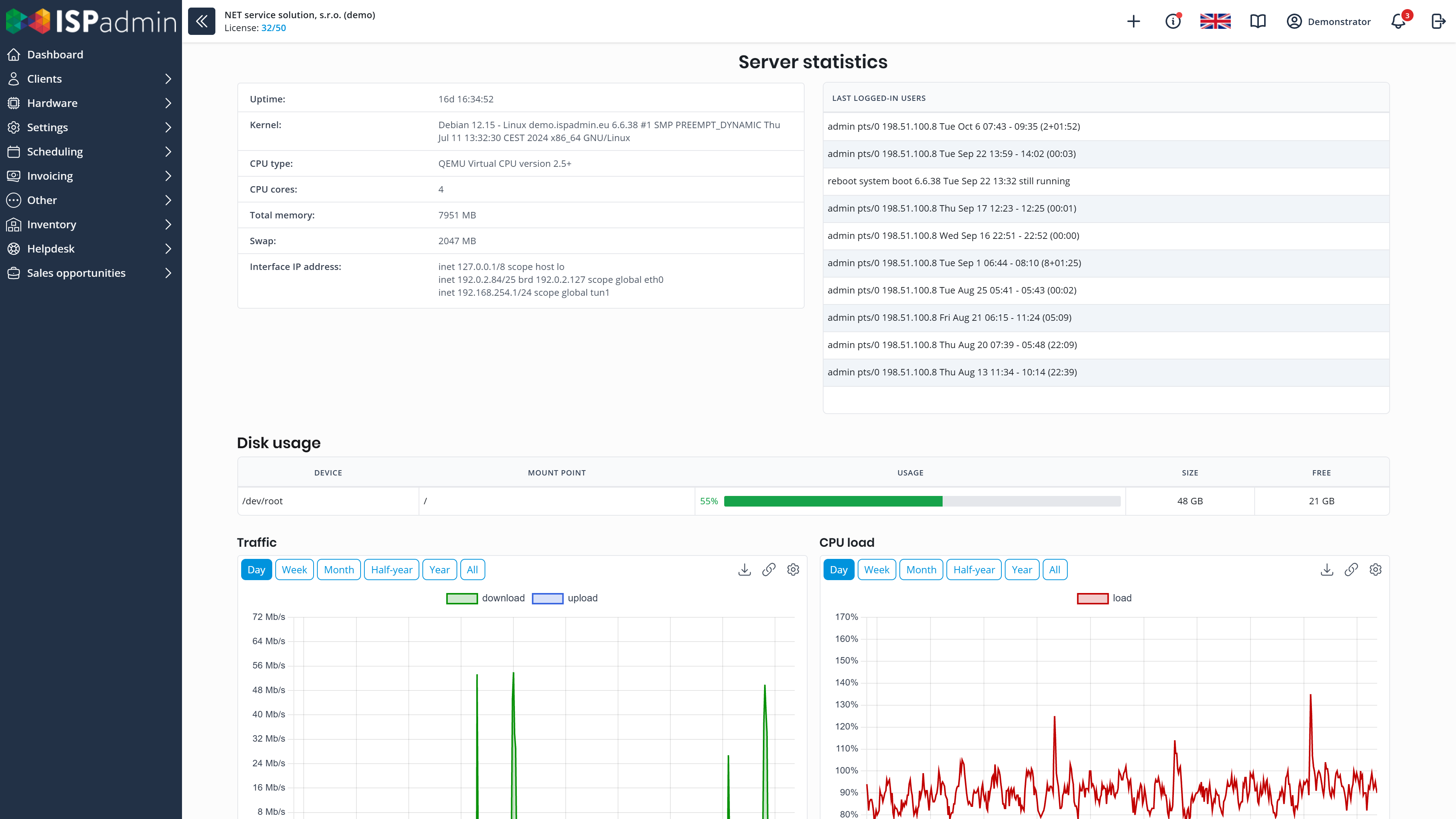
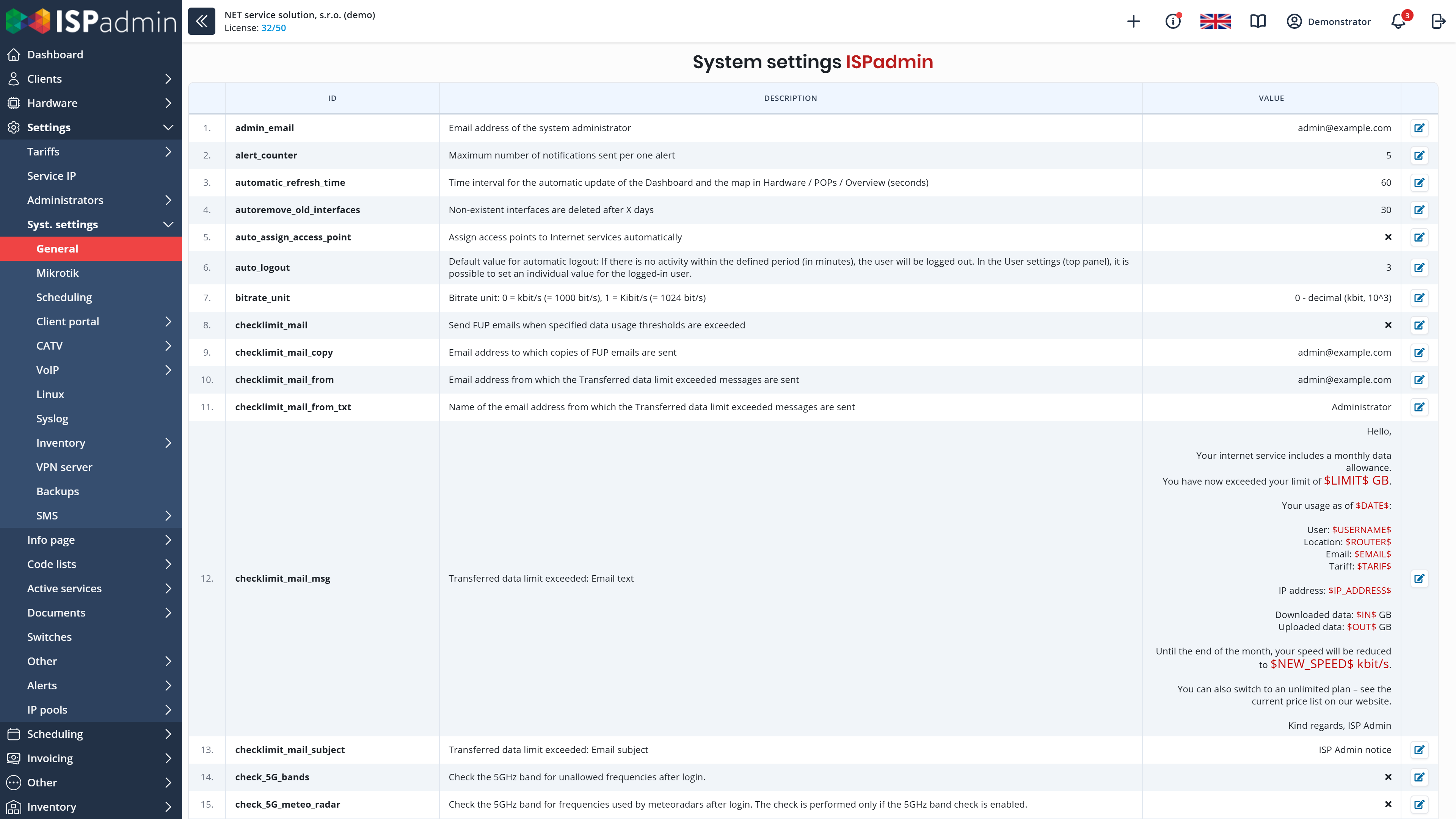
ISPadmin is a web application. It runs on your own server (self-hosted) or in our cloud, and you work in it from a computer, tablet or phone.
-
Server or cloud
In the Server variant, your technicians take care of the hardware and maintenance; in the Cloud variant, we do. Both variants are compared on the pricing page.
-
In the browser and on your phone
There is nothing to install on computers. Technicians in the field can also open the main pages – the client card, a router or the warehouse – in the browser on a phone or tablet.
-
Backups
In the Server variant, ISPadmin backs up locally and to our server – CloudBackup is included in the license – and checks by itself whether the backup succeeded. In the cloud, we back up every hour to another data centre.
-
Updates
We release new versions regularly and describe what they bring in News.
-
Switching from another system
Data import from your current system and installation of ISPadmin are listed among the additional services on the pricing page.
-
Support
We develop and support ISPadmin in the Czech Republic – see contacts and team. The table on the pricing page shows what the Basic, Plus and Profi support levels include.
Demo and a non-binding quote
Explore ISPadmin in the demo as an administrator, or tell us how many clients you have and which modules interest you – we will prepare a non-binding quote.
Try the demo for free Get a non-binding quote
Sales: +420 588 887 778, sales@ispadmin.eu