
Integrations and API
ISPadmin works with what you already use: network devices, bank statements, online payments, SMS, e-mail and calendars. You connect your own applications and other systems through the REST API.
What you get
-

Payments and accounting without retyping
You import bank statements and hand invoices to your accounting system as CSV or XML exports. Clients can also pay online in the client portal.
-

Messages where they belong
E-mails from Helpdesk mailboxes, including Microsoft 365, and incoming SMS from clients end up in tickets. Technicians’ tasks appear in their Google, Apple or Outlook calendars.
-

Your own applications via REST API
From your own application, you read clients and invoices, send an invoice to the client and upload a document to the client card.
Network devices
ISPadmin writes changes to MikroTik and Linux routers and to OLTs itself. On Ubiquiti, Cambium and other devices, it writes the MAC filter and backs up the configuration, and it monitors switches via SNMP – details under Network and monitoring.
-
Network devices
MikroTik, Ubiquiti (airFiber, EdgeRouter, LTU, Wave, AF60), Cambium, Canopy, RADWIN, Tachyon, Deliberant, Juniper, Linux and switches via SNMP
-
Fibre (GPON)
Huawei OLTs (MA5600 series) and TP-Link OLTs, ONTs of any brand
-
Cable networks (CMTS)
Cisco uBR, Arris C3/C4, Motorola BSR, CASA, Juniper G1 and miniCMTS
Payments and accounting
How payments are matched to invoices is described under Billing and payments.
-
Bank statements
Statements in camt.053 format or as CSV in ISPadmin’s import template
-
SEPA direct debit
Direct debit files (pain.008) for clients’ invoices, in selected countries
-
Online payments
PayPal in the client portal
-
Accounting systems
CSV and XML exports of invoices for your accounting system
E-mail, SMS and registers
-
SMS
Your own GSM modem, SMPP and Teltonika; incoming SMS from clients go to the Helpdesk
-
E-mail and calendars
Helpdesk mailboxes including Microsoft 365, and Google, Apple and Outlook calendars (iCalendar)
-
EU registers
VAT number verification in the VIES system
REST API
For your own applications and for connecting other systems. Custom client portals, company applications, accounting systems, scripts and IVR systems connect to ISPadmin through the REST API.
- Clients, invoices and documents You read client and invoice data from your own application. You download an invoice as PDF or send it straight to the client. You can also upload a document to the client card – for example a contract signed in another system.
- Public documentation Documentation in English and Czech is available at api.ispadmin.eu.
- Tokens with permissions Each integration can have its own token with its own permissions. Only those you allow can create tokens.
How integrations connect to the rest
More in News
-
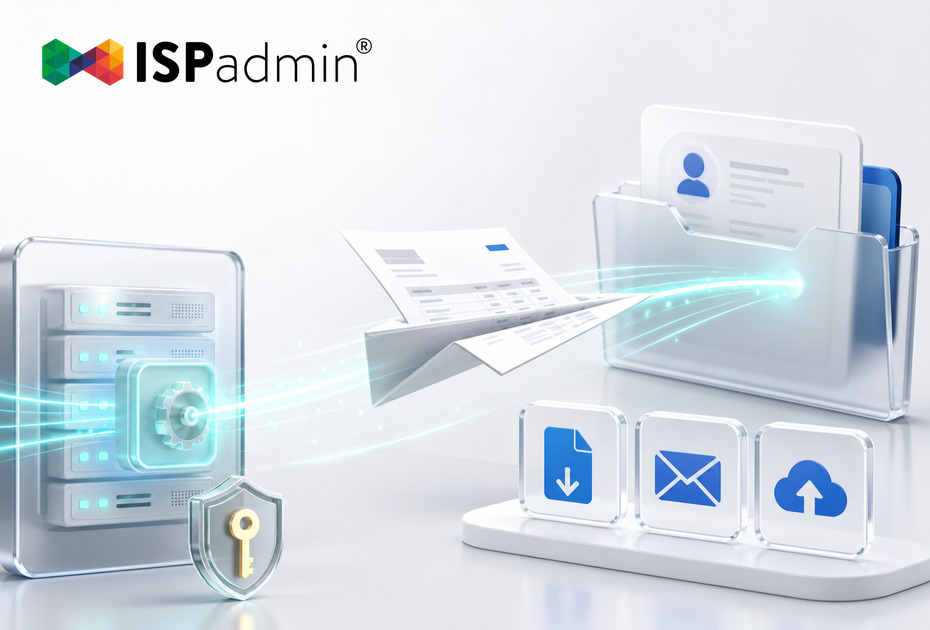
Your Invoices Can Now Fly Out on Their Own. What ISPadmin’s API Has Learned
Version 5.43 extends the ISPadmin REST API with three new capabilities: download an issued invoice as a PDF, send an invoice to a client, and upload a file…
-

Token Management: Who can generate an API key in your system? From now on, only those you allow
Version 5.42 adds a new Token Management page to ISPadmin (Settings / System settings) and, more importantly, user permissions for it.
-
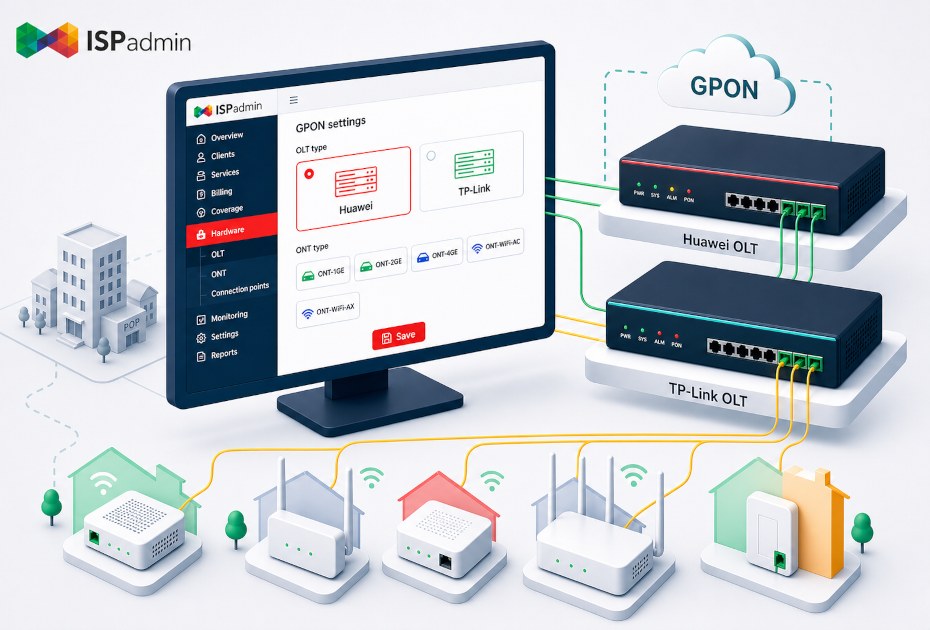
GPON Is No Longer Just Huawei — ISPadmin Now Supports TP-Link OLTs
Back in April we wrote about how the GPON module in ISPadmin runs your entire FTTH network from one place – from ONT activation through billing all the way to…


Demo and a non-binding quote
Explore ISPadmin in the demo as an administrator, or tell us how many clients you have and which modules interest you – we will prepare a non-binding quote.
Try the demo for free Get a non-binding quote
Sales: +420 588 887 778, sales@ispadmin.eu