
Security and ISP obligations
ISPadmin helps you meet the obligations of an internet service provider – cybersecurity under NIS2 and the protection of personal data under GDPR. Most of the security features are part of the Basic module.
What you get
-

Only those you let in
Two-factor authentication, a password policy and access only from selected IP addresses. Each user has permissions only for what their work requires.
-

Who changed what, and when
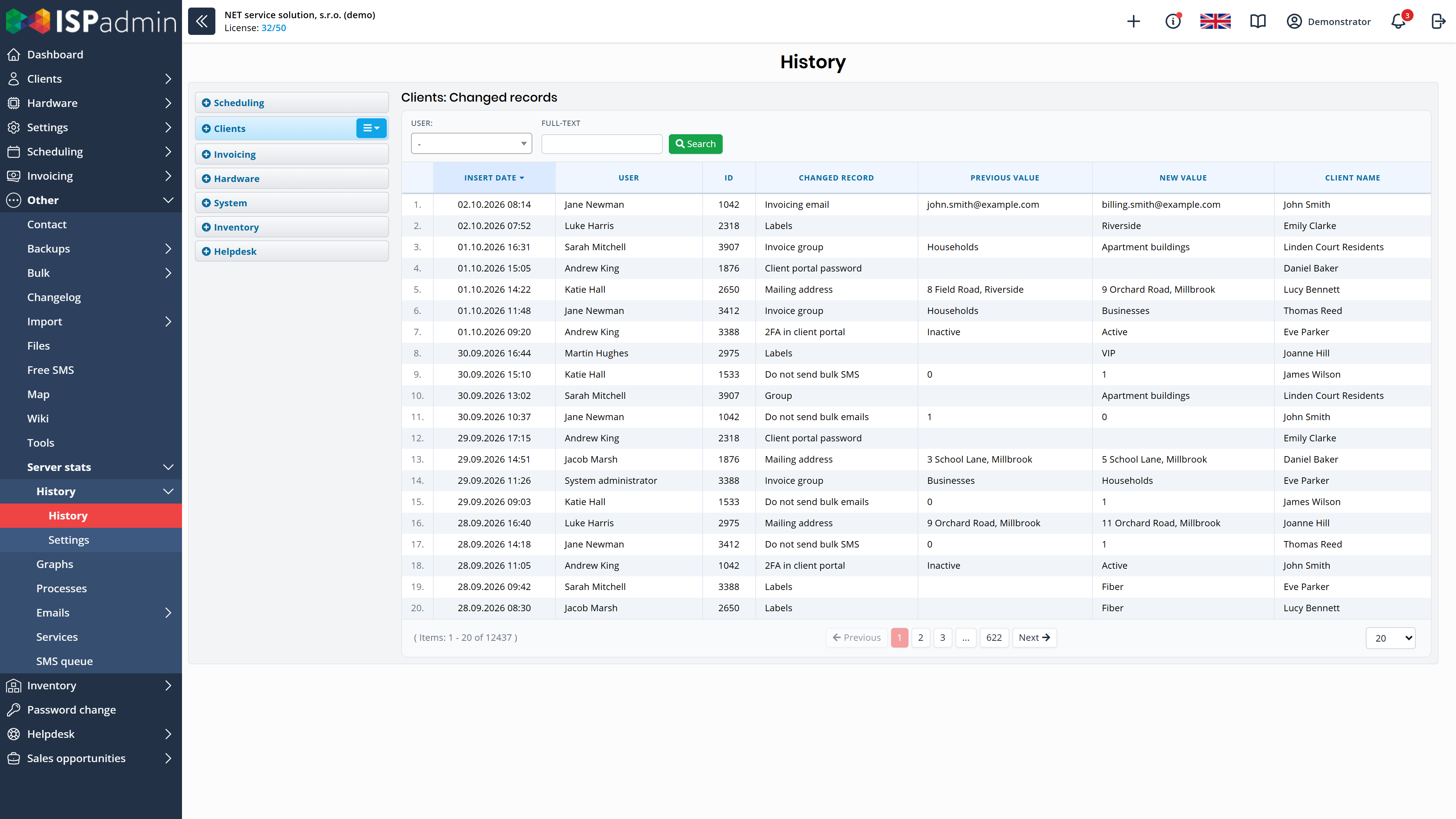
Changes to clients, addresses and devices are recorded in the history with a name and time. When an audit or incident occurs, you have the records to show.
-

Personal data in order
Consent templates and consent history, a list of the personal data you process, bulk requests and anonymisation of clients – all in the system that holds the data.
Access to the system
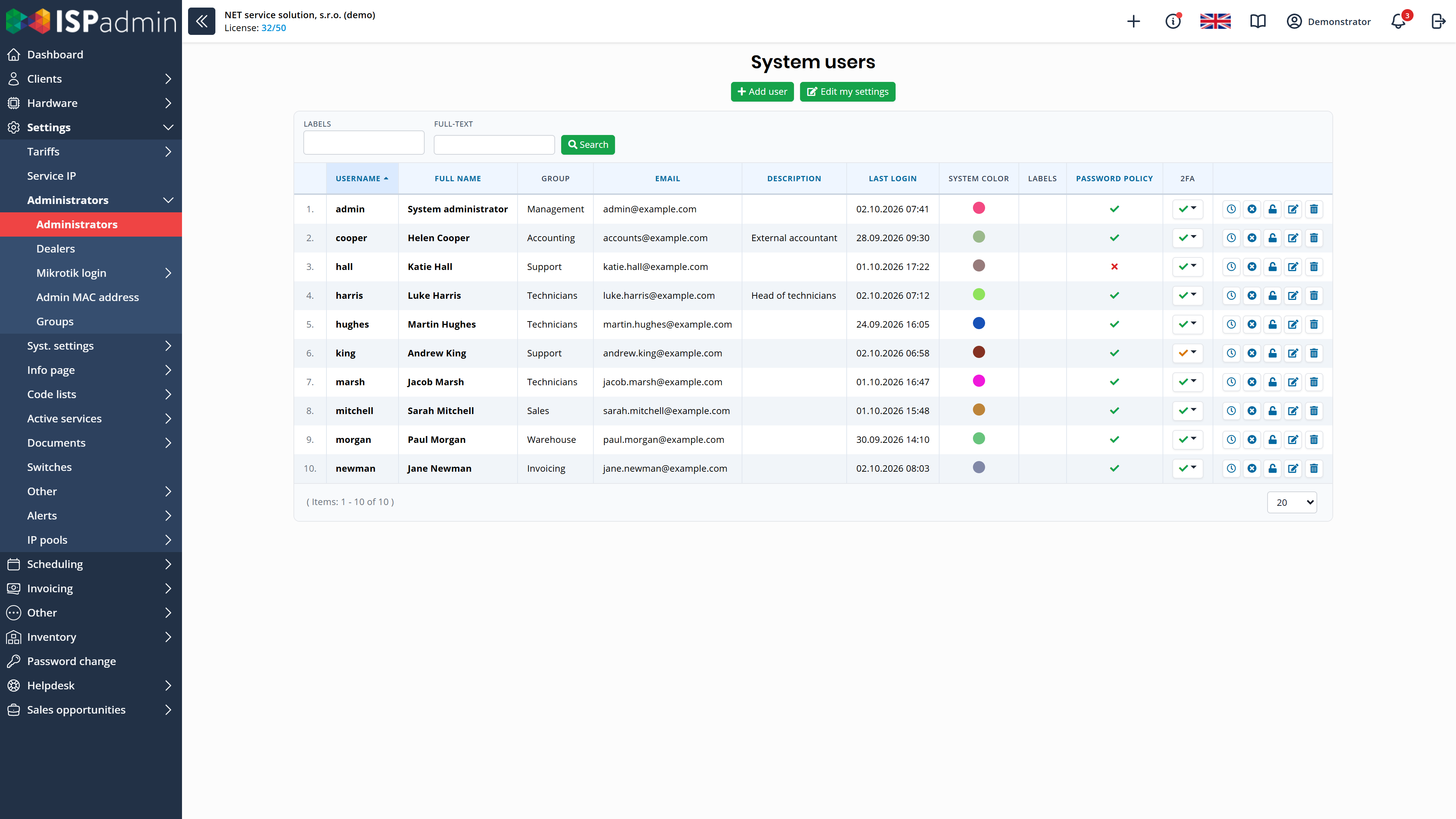
You control centrally who logs in to ISPadmin and what they can do there: you set the login rules, user permissions and API tokens.
- Login Two-factor authentication (TOTP), which you can make mandatory, with trusted devices remembered. The password policy sets the length and complexity of passwords. The system rejects a weak password, and the user overview shows whose current password does not meet the rules. Access to the system only from selected IP addresses.
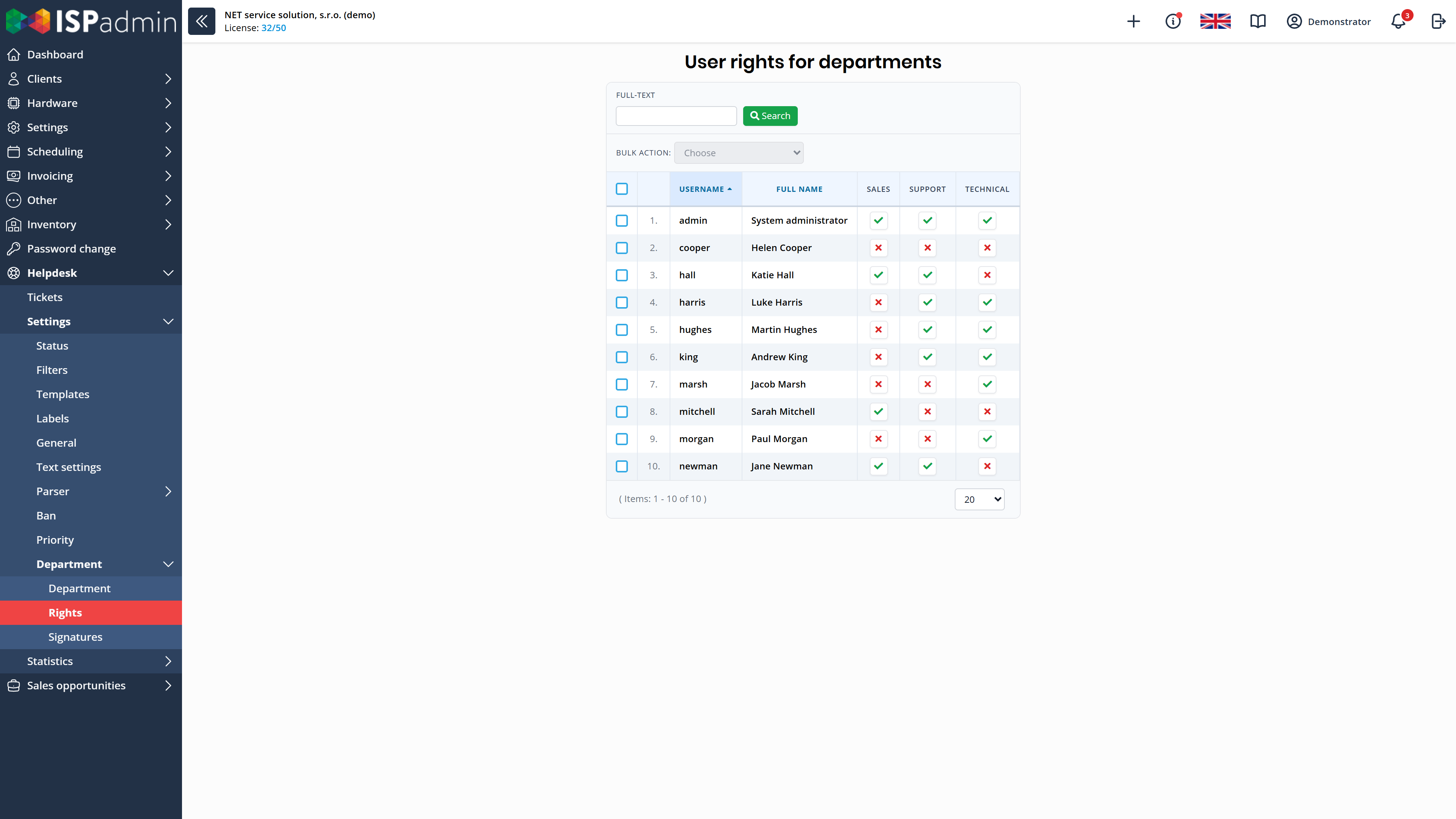
- User permissions Roles and permissions by menu item, by billing group and by Helpdesk department. You adjust Helpdesk permissions in a single overview of all users and departments.
- API tokens In the permissions, you decide separately who can view, add, edit and delete tokens. Users without these permissions don’t see the Token management page or its buttons and cannot perform the action even via a direct URL. Each integration can have its own token.
NIS2
NIS2 requires providers, among other things, to control access, keep track of their devices, respond to known vulnerabilities and keep running during outages. ISPadmin provides the following tools for this.
-
Controlled access
Two-factor authentication that you can make mandatory, a password policy, roles and permissions, and API tokens that only those you allow can create.
-
Devices and vulnerabilities
The asset register in Inventory. An overview of RouterOS versions with bulk updates, alerts on MikroTik routers that RouterOS flags as compromised, and bulk password changes on MikroTik routers (NMM module).
-
Running during outages
During a mass outage, NetMonitor switches to safe mode and sends only what matters. The backup RADIUS server lets clients log in even when the main server is down. The Dashboard shows the status of external services and backup systems.
Change history and data protection
- Change history History of user actions and of changes to clients, addresses and devices – you can see who changed what and when.
- Encrypted connection Connections to the system are encrypted. TLS certificates, including those from Let’s Encrypt, renew automatically, so access does not fail because of an expired certificate.
- GDPR Consent templates and consent history, a list of the personal data processed, bulk requests and anonymisation of clients. Clients can also give their consents in the client portal.
How security connects to the rest
More in News
-
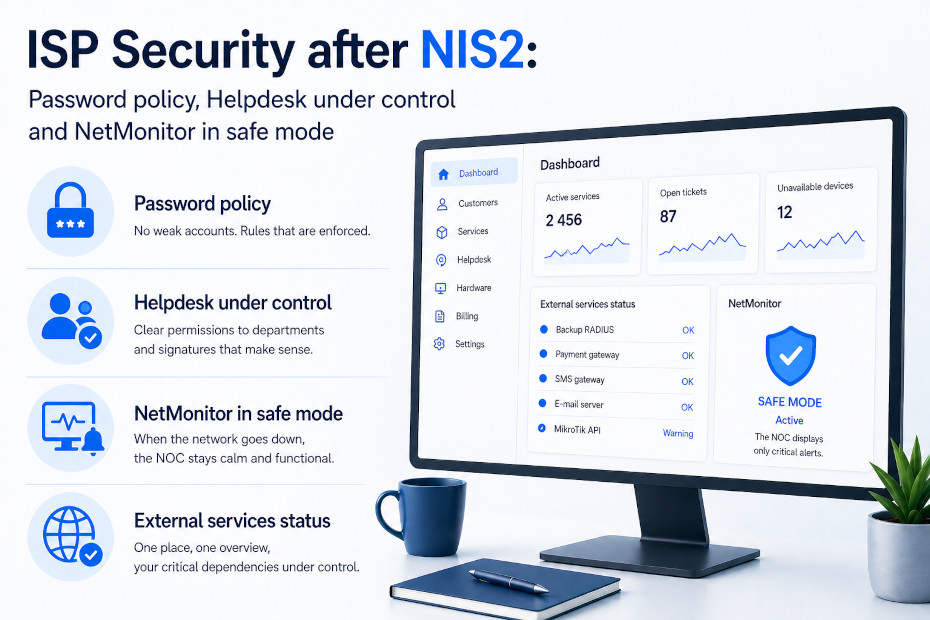
ISP Security after NIS2: Password Policy, Helpdesk Under Control, and NetMonitor in Safe Mode
In December, we wrote about how ISPadmin supports a more secure ISP operation — 2FA, roles and permissions, TLS with Let’s Encrypt, and bulk password changes…
-
Security in Practice with ISPadmin 5
Security in an ISP environment is no longer just about a firewall and a strong password. Networks are expanding, services, teams, and integrations are…
-
Token Management: Who can generate an API key in your system? From now on, only those you allow
Version 5.42 adds a new Token Management page to ISPadmin (Settings / System settings) and, more importantly, user permissions for it.


Demo and a non-binding quote
Explore ISPadmin in the demo as an administrator, or tell us how many clients you have and which modules interest you – we will prepare a non-binding quote.
Try the demo for free Get a non-binding quote
Sales: +420 588 887 778, sales@ispadmin.eu