
Billing and payments for ISPs
ISPadmin handles the whole billing cycle of an internet service provider: it issues invoices from clients’ services, matches payments from bank statements to them and sends reminders. It is not an accounting program – your accountant receives finished data instead of retyping invoices.
What you get
-
Payments without retyping
You import a bank statement and match its payments to invoices with the help of rules you set once – even when one payment covers several invoices.
-

Non-payer’s service restricted and restored
After the due date, a reminder goes out and the service is restricted according to your rules. Once the client pays, the service is restored without anyone having to keep an eye on it.
-

Finished data for your accountant
You hand invoices to your accounting system as CSV or XML exports, so your accountant doesn’t have to enter them again.
Invoicing
Add-on module
You add Invoicing to the Basic module and can try it for free first.
Issuing invoices
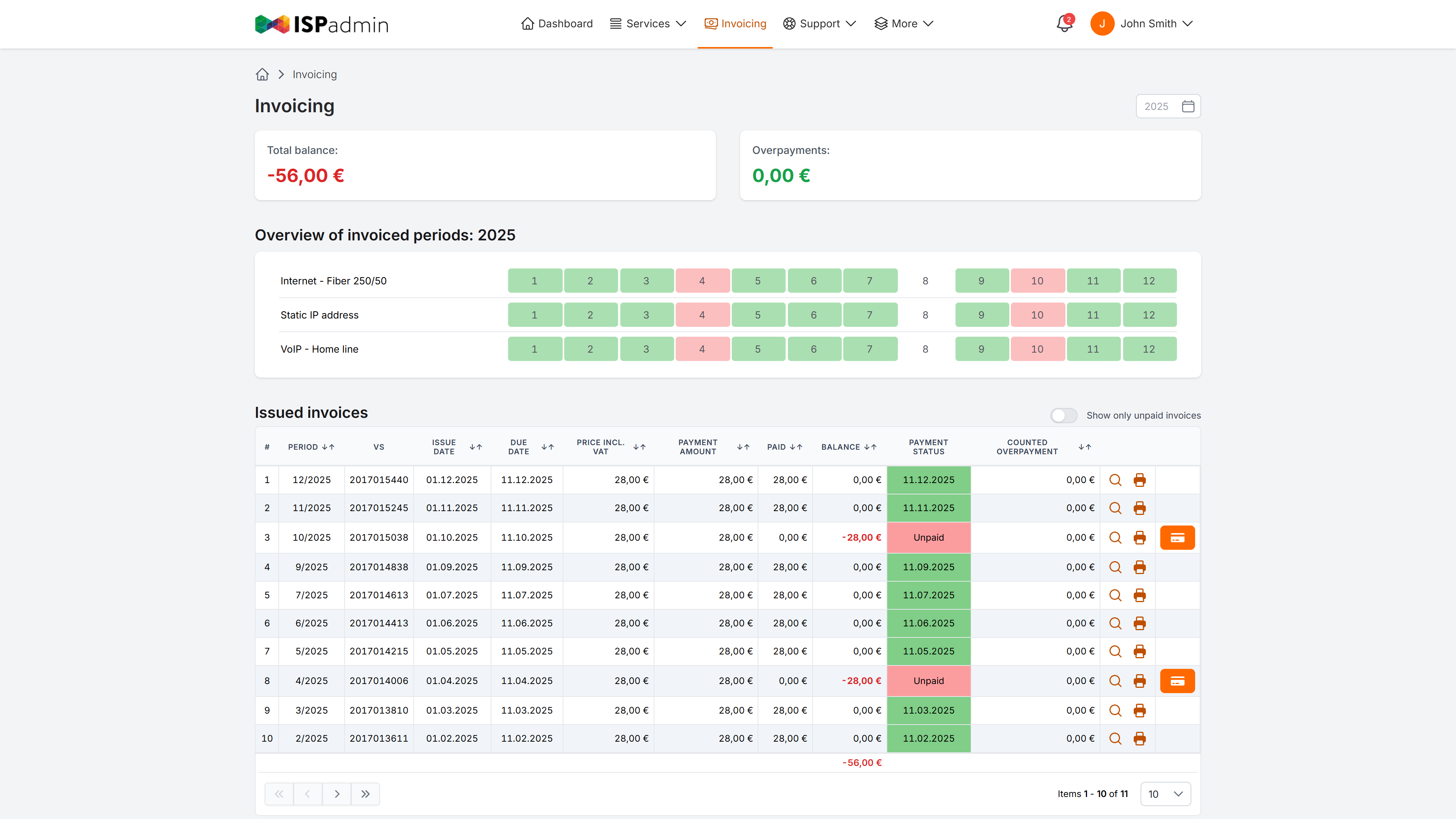
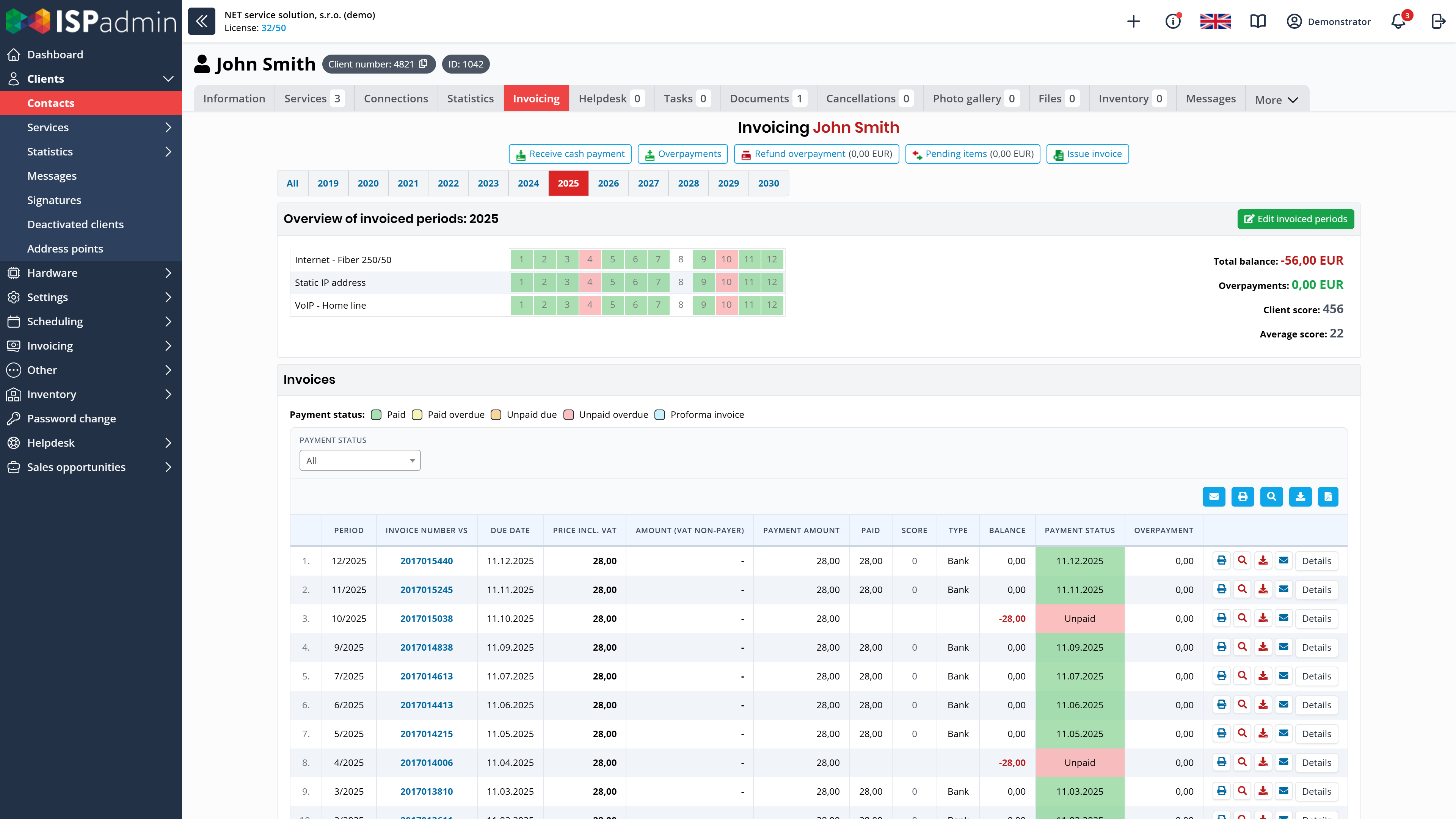
- Invoices from clients’ services Invoices are generated from active services, in bulk in one step or one by one, monthly, quarterly or annually. Internet, VoIP and one-off items are on a single invoice. With the Scheduling module, you can add the technician’s work and material too.
- Advance invoices, credit notes and instalments Advance invoices – the tax invoice is issued automatically once the payment arrives. Credit notes and corrective documents, discount codes, instalment plans, overpayments and underpayments.
- Several companies, currencies and languages Each billing group has its own numbering series, logo, bank account, currency and invoice language, so you can invoice for more than one company from a single installation.
Payments and reminders
- Payment import and matching You import bank statements in camt.053 format or as CSV files in ISPadmin’s import template and match the payments to invoices. Your own matching rules help with this, and one payment can cover several invoices.
- SEPA direct debit In selected countries, you create SEPA direct debit files (pain.008) for your clients’ invoices.
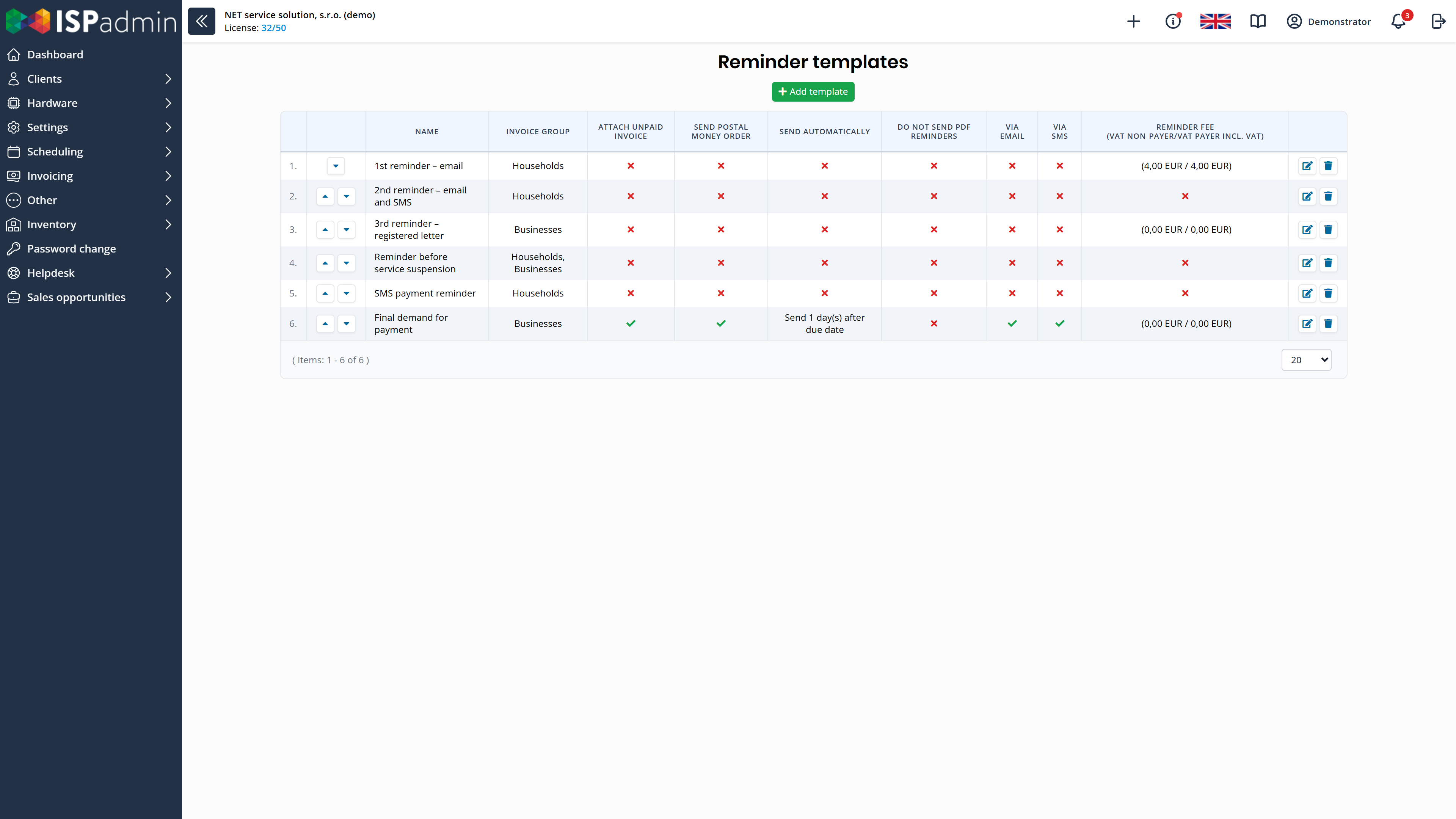
- Reminders and blocking of non-payers Reminders go out by e-mail and SMS according to templates and rules you set once. With the NMM module, ISPadmin restricts or blocks a non-payer’s service and restores it after payment.
Receivables and accounting
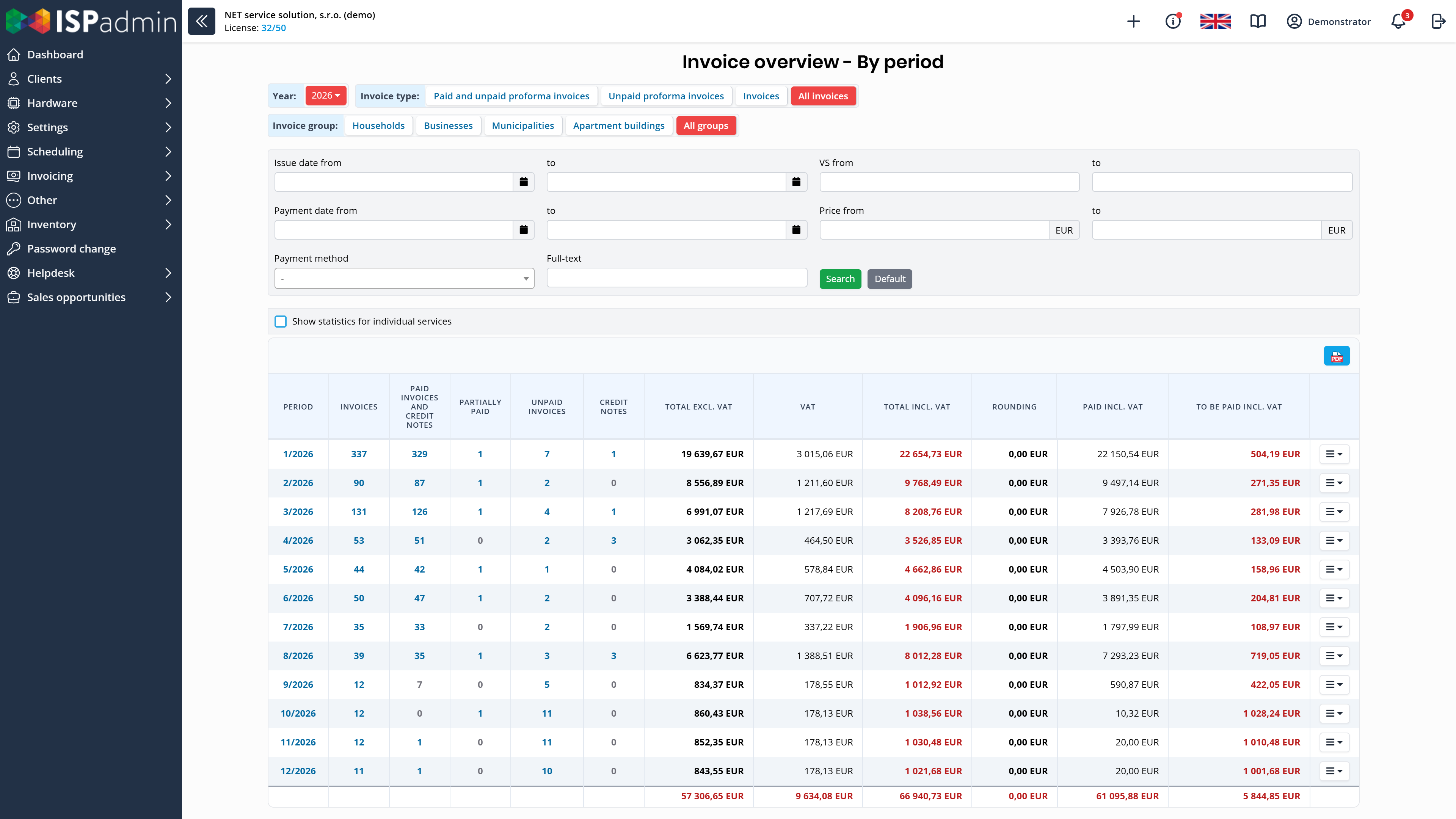
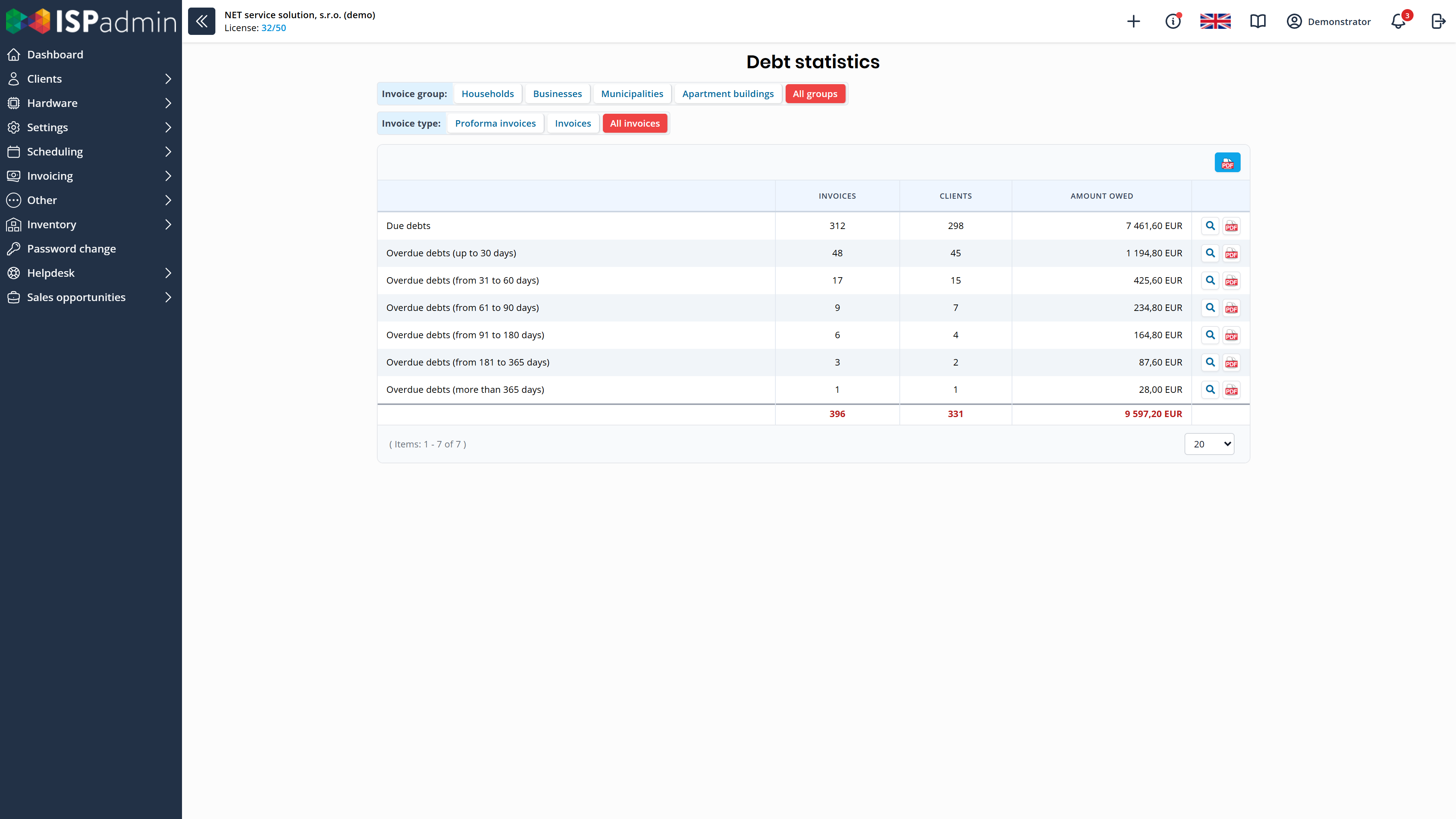
- Receivables at a glance Client balance, a monthly invoice overview and receivables by time overdue. At the end of each month, ISPadmin saves an overview of receivables as of that day, so you can compare months. You export the overviews to PDF and CSV. Revenue forecasting shows the income you can expect.
- Accounting and API CSV and XML exports for your accounting system. Through the REST API, you download an invoice as PDF or send it to the client from your own application.
Payments, accounting and SMS
Billing in ISPadmin works with these payment methods, formats and services. Connections to network devices, e-mail, calendars and other systems are described under Integrations and API.
-
Bank statements
Statements in camt.053 format or as CSV in ISPadmin’s import template
-
SEPA direct debit
Direct debit files (pain.008) for clients’ invoices, in selected countries
-
Online payments
PayPal in the client portal
-
Invoice delivery
By e-mail to the client’s billing e-mail address and in the client portal
-
Accounting systems
CSV and XML exports of invoices for your accounting system
-
SMS for reminders
Your own GSM modem, SMPP and Teltonika
How billing connects to the rest
More in News
-
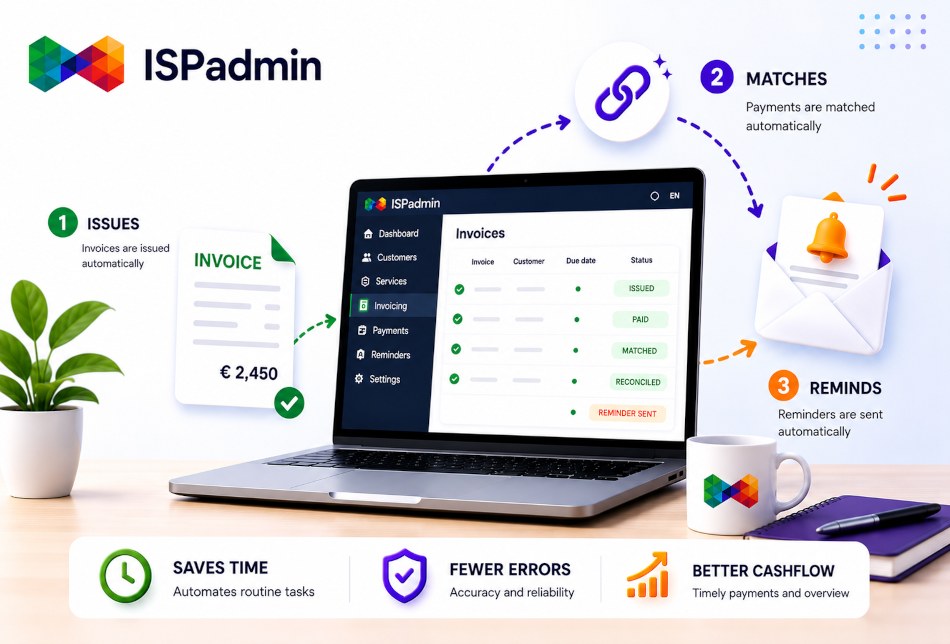
Billing in ISPadmin: When invoices issue, reconcile and chase payments by themselves
Billing is the heart of every ISP — and at the same time, the place where money and time most often slip away.
-

Monthly Accounts Debt Overview in One Click
Is the agenda of unpaid debts weighing you down? A new debt list is automatically generated at the end of each month, creating a “frozen” snapshot as of that…
-
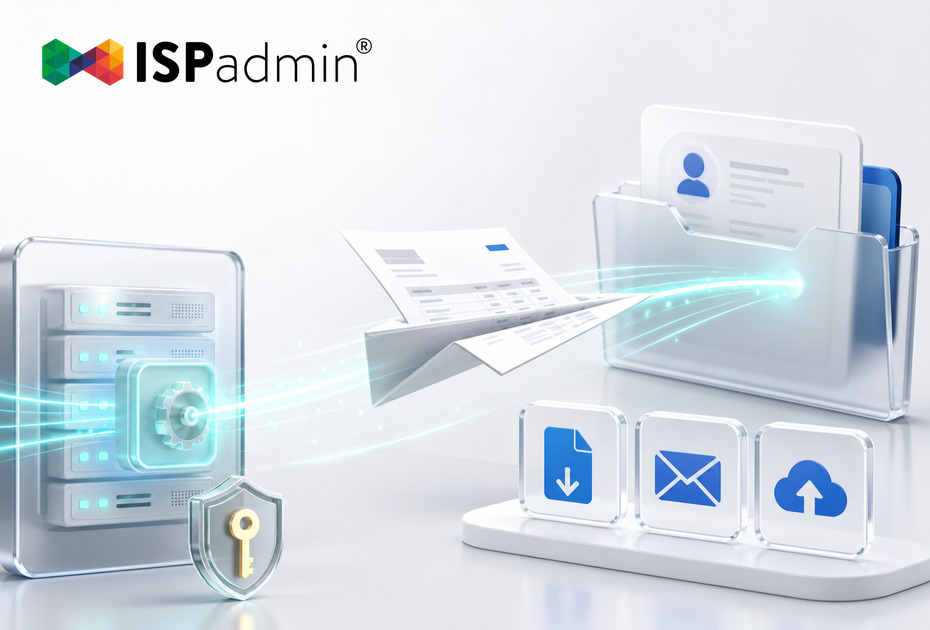
Your Invoices Can Now Fly Out on Their Own. What ISPadmin’s API Has Learned
Version 5.43 extends the ISPadmin REST API with three new capabilities: download an issued invoice as a PDF, send an invoice to a client, and upload a file…


Demo and a non-binding quote
Explore ISPadmin in the demo as an administrator, or tell us how many clients you have and which modules interest you – we will prepare a non-binding quote.
Try the demo for free Get a non-binding quote
Sales: +420 588 887 778, sales@ispadmin.eu