
Sales and reports for ISPs
Enquiries, sales opportunities and dealer commissions are in the same system as clients and their services, so sales staff can see what a client already has and whether they pay on time. The Dashboard and statistics show what is happening in the network and in the company, and how the number of clients changes.
What you get
-

No enquiry slips through
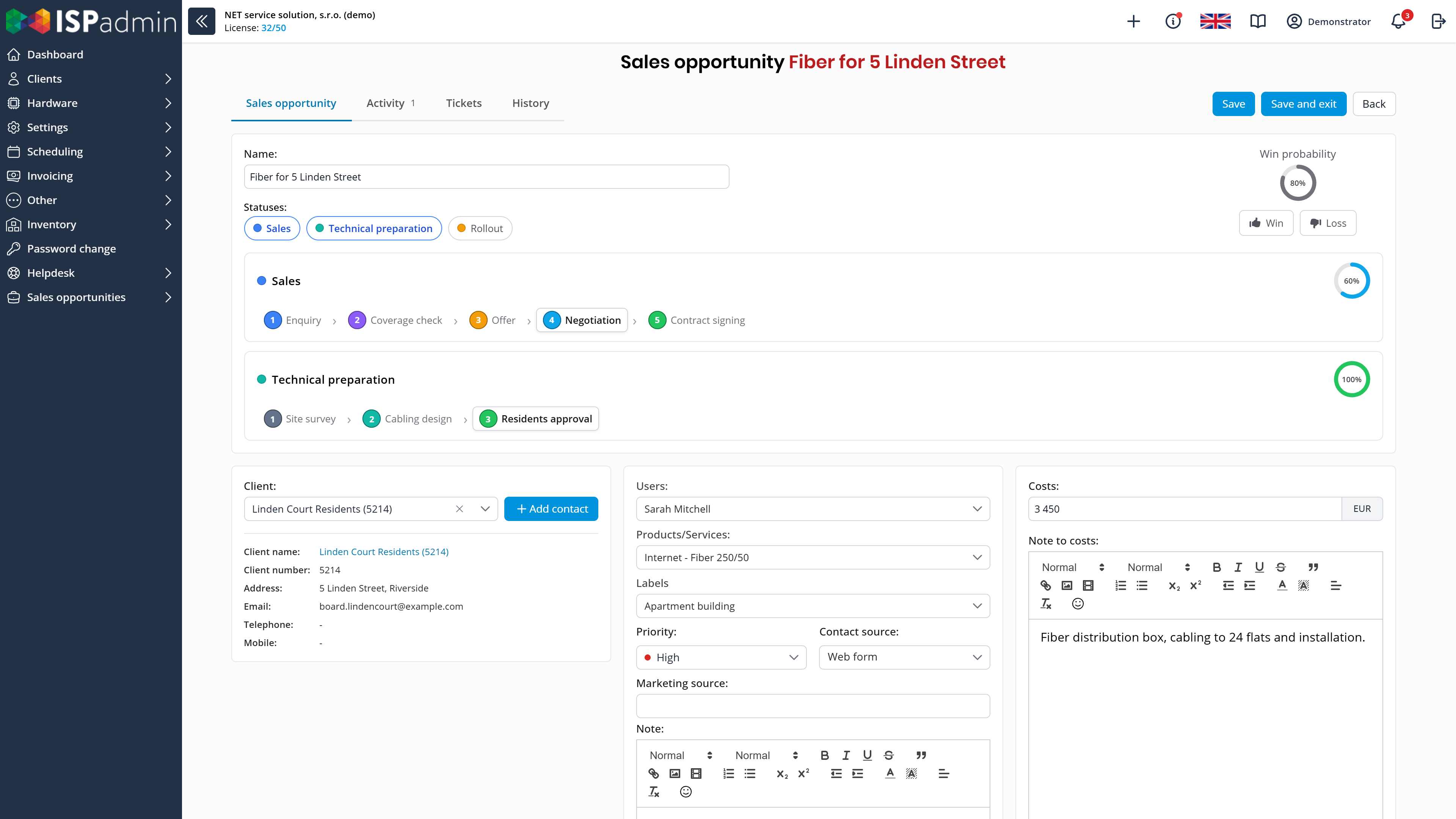
Every enquiry has its sales opportunity with stages, activities and a next step. It ends as won, or as lost with a reason.
-

Commissions at a glance
You record commissions on individual client services, including their payouts. Each sales agent sees their commissions and the status of their clients’ invoices.
-

Key figures right after login
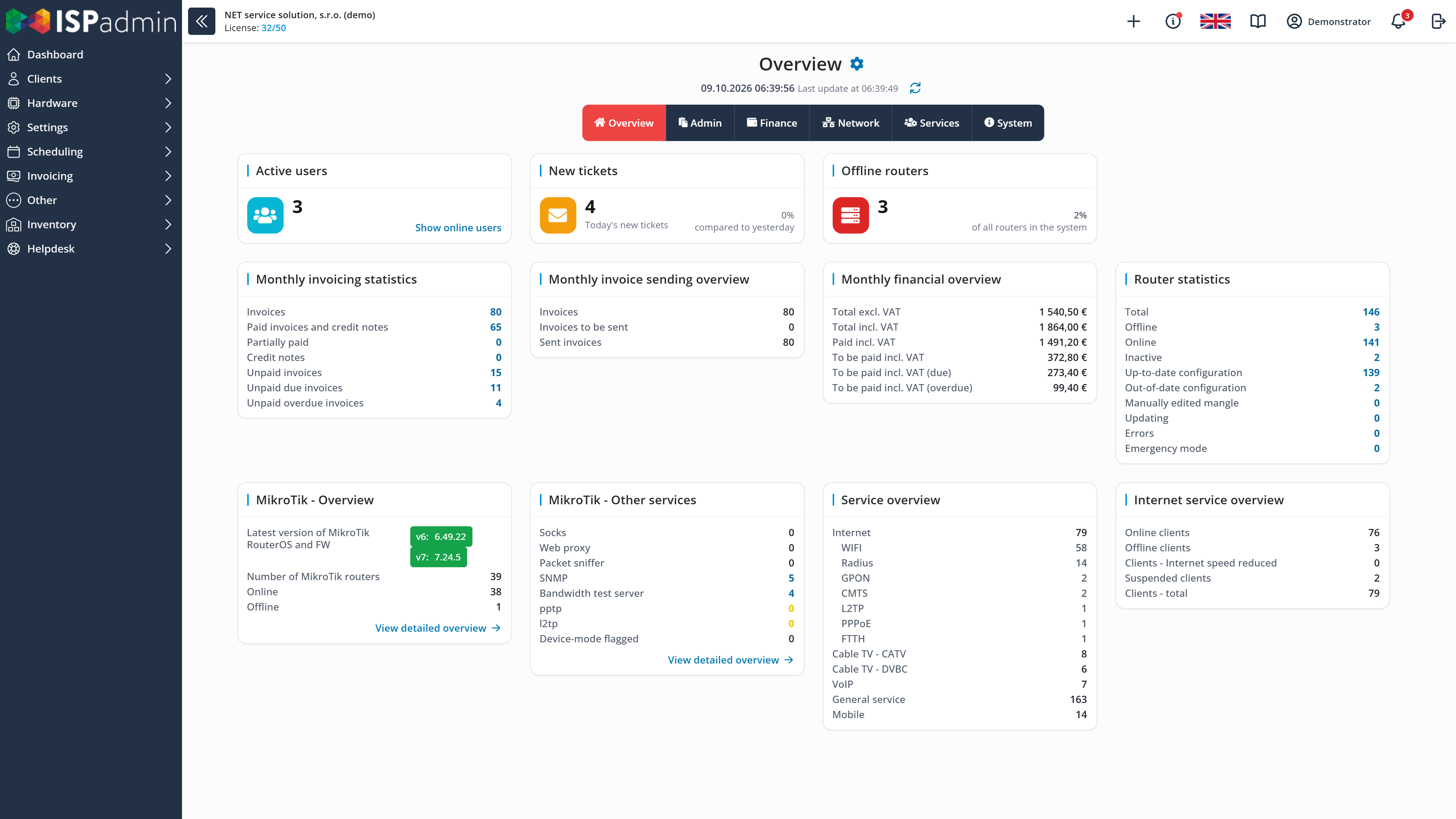
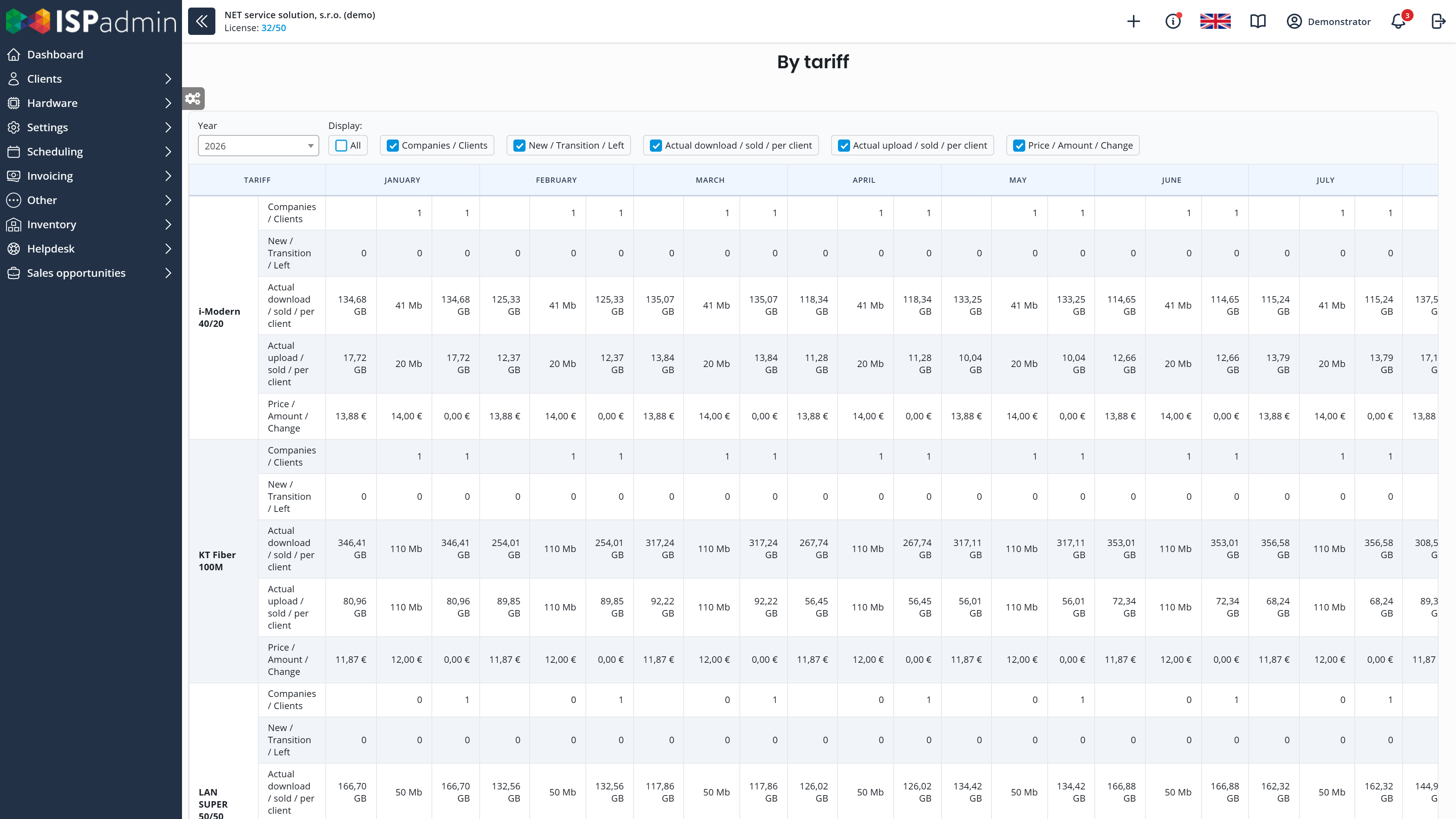
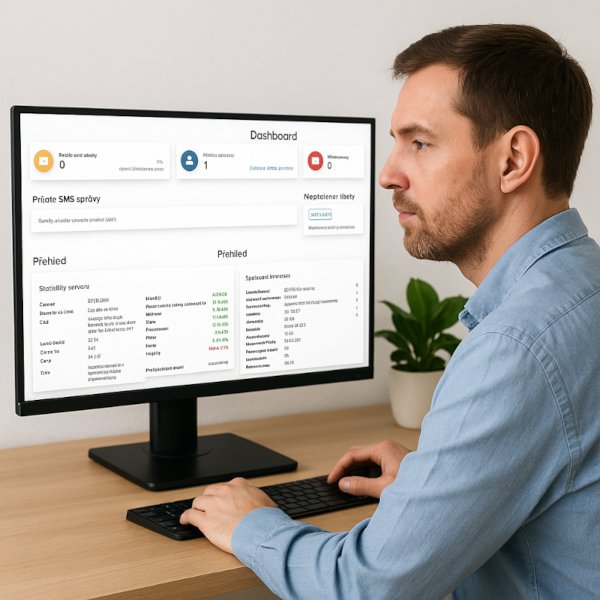
The Dashboard shows offline routers, new tickets and monthly billing – to each user according to their work and permissions. Tariff statistics show how many clients joined and left.
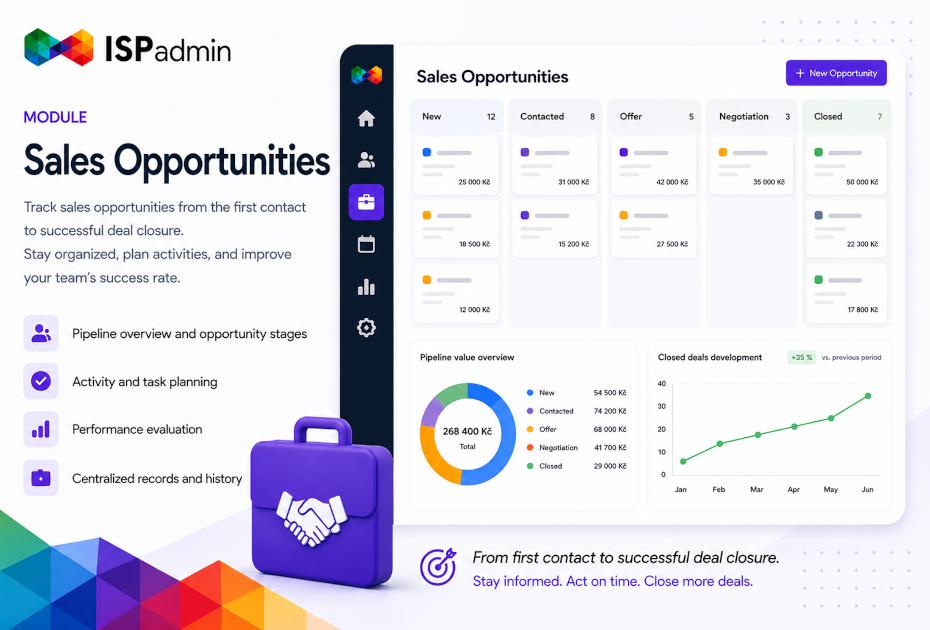
Sales opportunities
Add-on module
Every enquiry tracked until the contract is signed.
- From enquiry to contract You convert a lead into a sales opportunity with the client, products, costs and priority. The pipeline has your own stages (for example Qualification, Offer, Negotiation), each with a win probability.
- Activities and teamwork Meetings, calls and e-mails for each opportunity, planned next steps, labels and filters. Several people can work on one opportunity, and you see Helpdesk tickets right in it.
- Sales success Every opportunity ends as won, or as lost with a reason – so you know why deals fall through.
Dealer
Add-on module
Commissions for sales agents who sell your services.
- Commissions from services Commissions on individual client services, total commissions of each sales agent and their payouts.
- Separate access for agents Each agent sees their commissions, invoiced amounts, items and the status of their clients’ invoices. You see statistics for all agents.
Dashboard and statistics
The Dashboard is part of the Basic module, client and tariff statistics come with the NMM module.
- A Dashboard for every role The Dashboard is made of widgets. Technicians see offline routers, alerts and line load first. Support staff see new tickets and tasks, and management sees monthly finances and the service overview. Everyone sees only what their permissions allow.
- Alerts that don’t get missed The Dashboard and the Notification Centre also show what would otherwise slip by: a MikroTik router flagged as compromised, or the status of external services and of the backup RADIUS server.
- Statistics by tariff How many clients each tariff has, how many joined or left each month and how much data they transferred.
- Customised for each user Each user adjusts their Dashboard, the menu layout, favourite pages and notifications.
How sales and reports connect to the rest
More in News
-
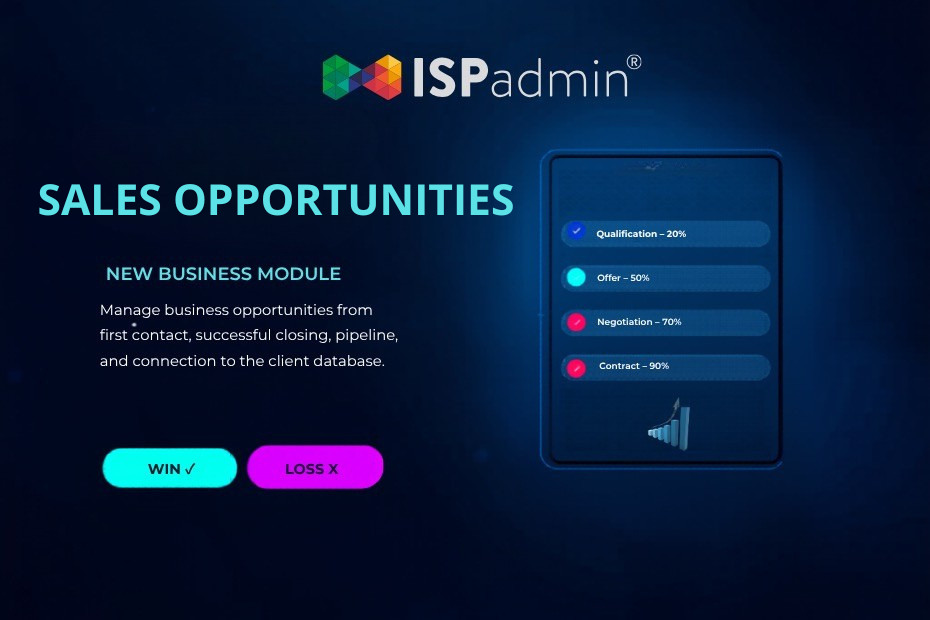
Sales Opportunities in ISPadmin: Keep Track of Every Opportunity
How many business opportunities slipped through your fingers in the past month simply because they weren’t recorded anywhere?
-
Sales Opportunities and Helpdesk in ISPadmin: Tickets, Emails, and Calls Linked to Every Opportunity
In ISPadmin 5.42 beta 1, we connected the Sales Opportunities and Helpdesk modules. All client communication — emails, SMS messages, phone calls, and…
-
Dashboard in ISPadmin: the first screen that tells you what’s happening
The ISPadmin Dashboard is your first stop after logging in – and the quickest way to get a clear picture in just a few seconds of what’s happening in your…


Demo and a non-binding quote
Explore ISPadmin in the demo as an administrator, or tell us how many clients you have and which modules interest you – we will prepare a non-binding quote.
Try the demo for free Get a non-binding quote
Sales: +420 588 887 778, sales@ispadmin.eu