
Clients, contracts and services for ISPs
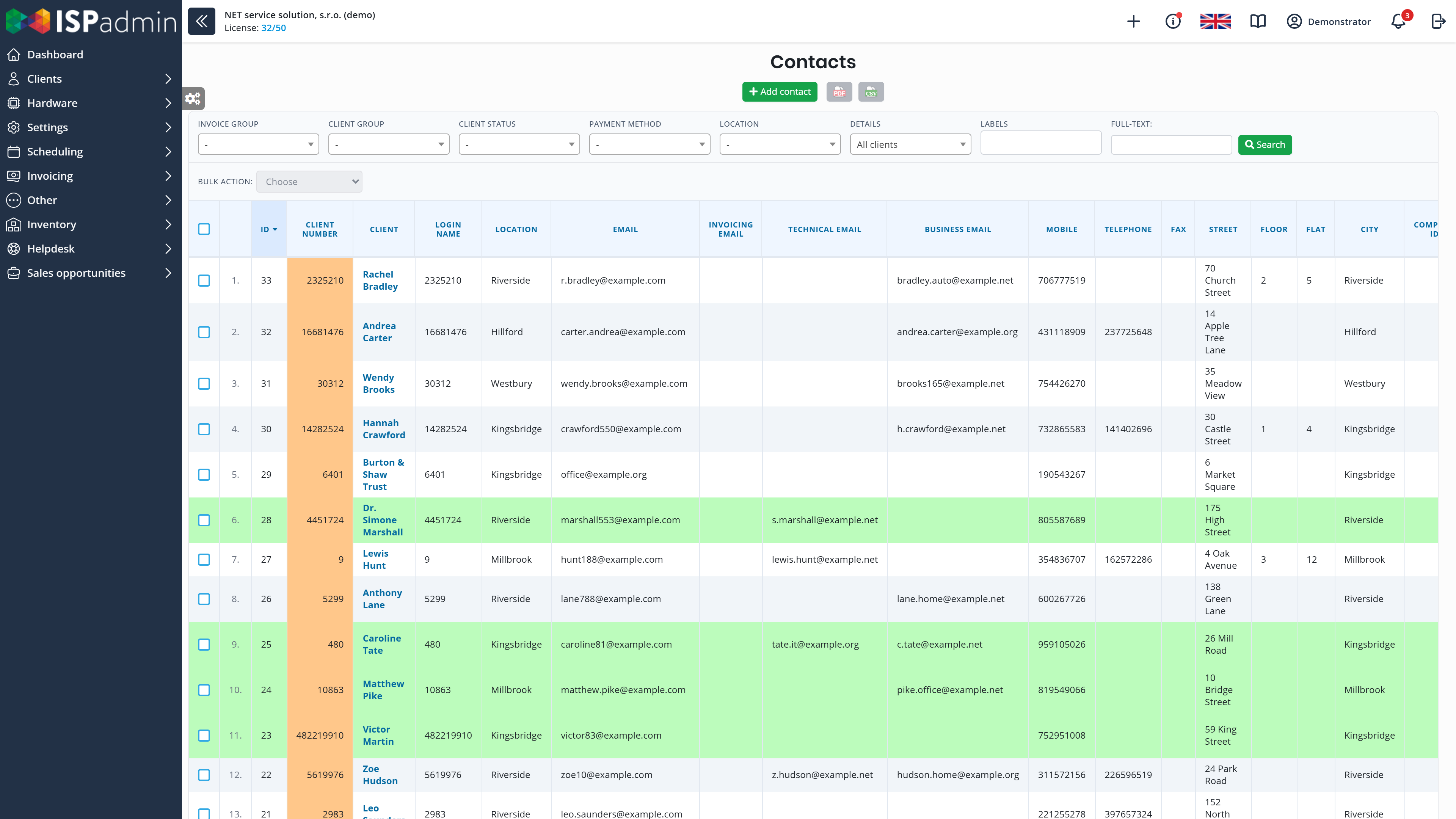
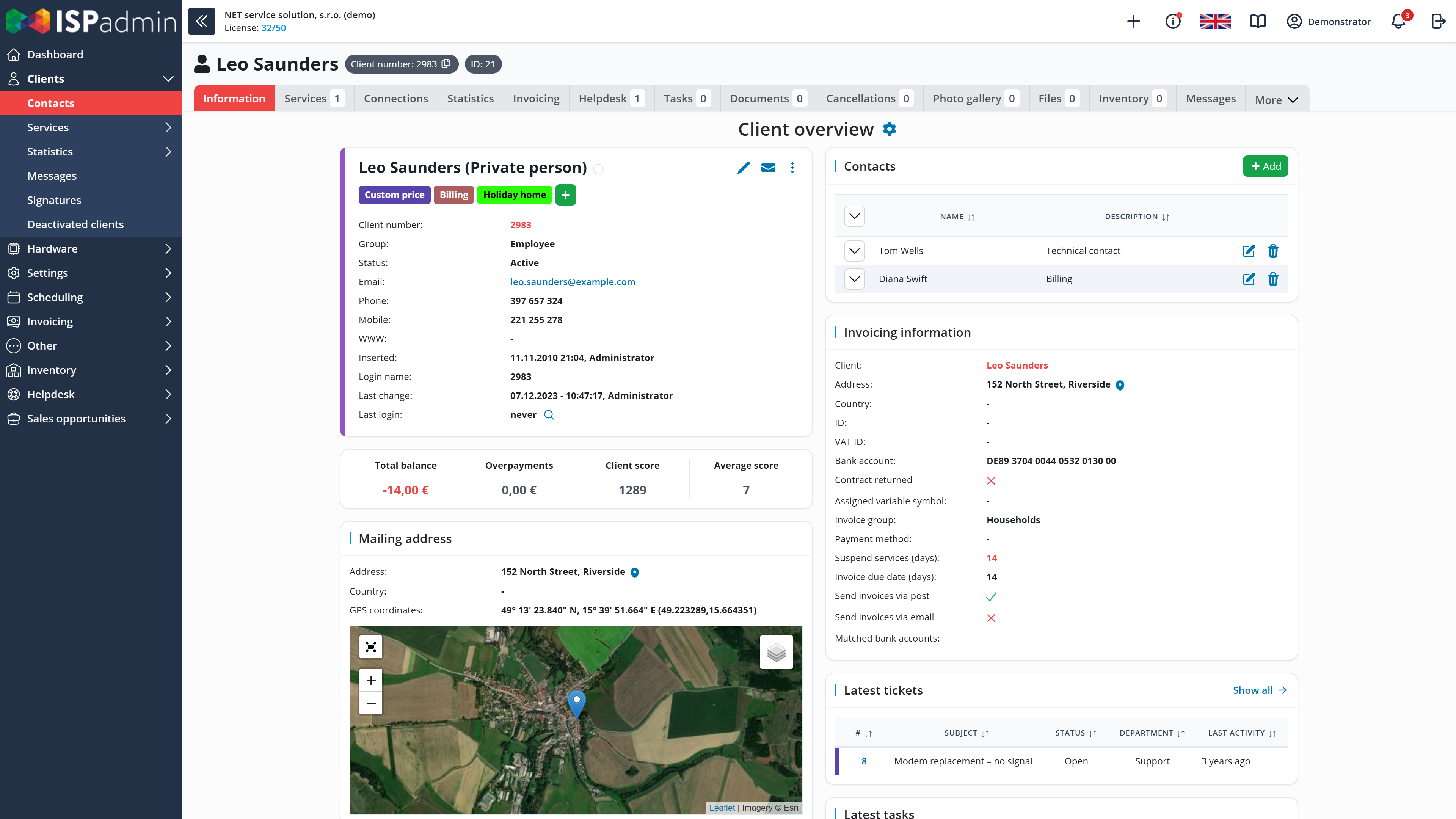
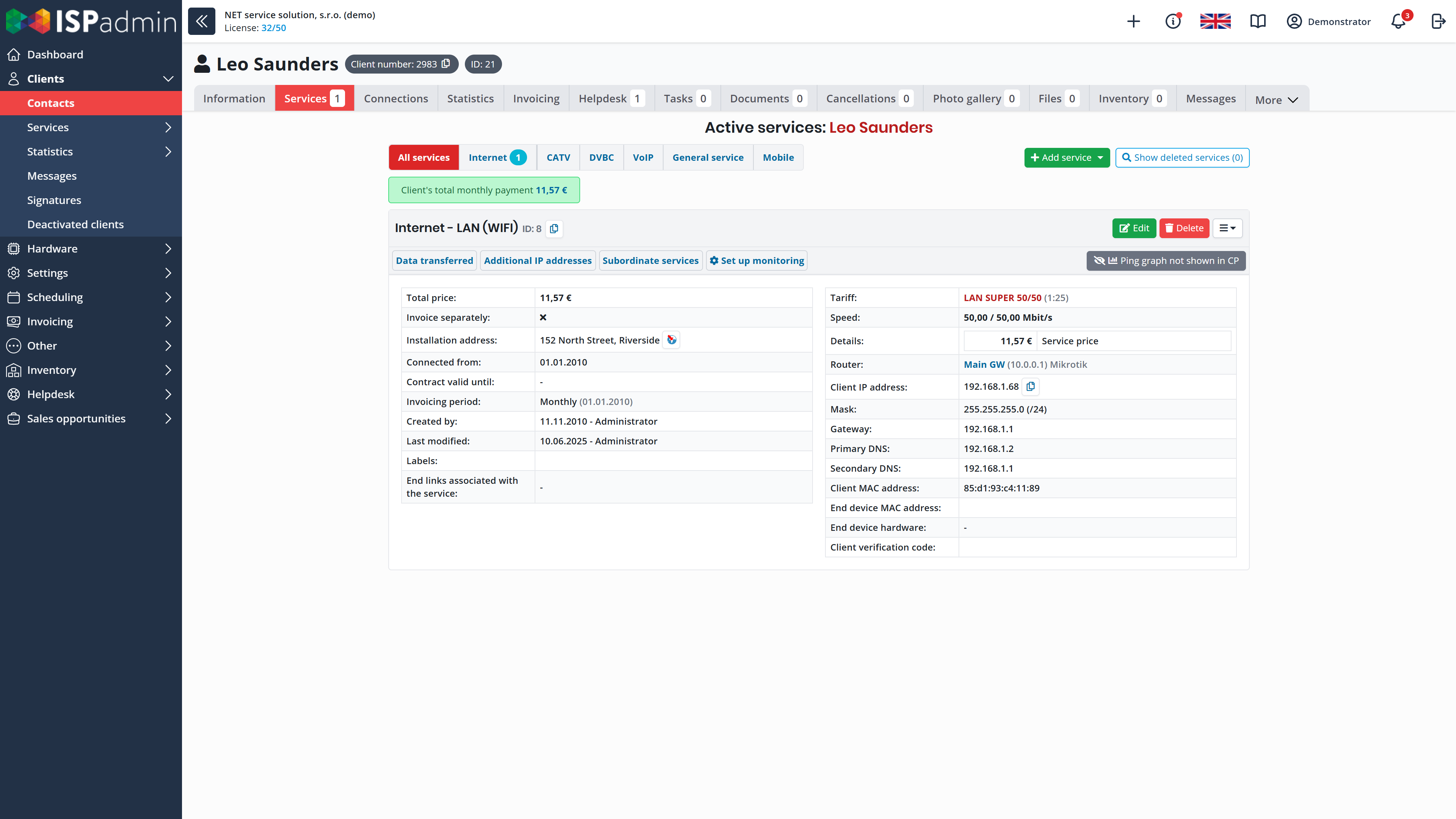
Subscriber management in ISPadmin is built around the client card. Contacts, services, contracts, documents and the history of changes are in one place, and with other modules also invoices and payments, tickets and tasks. Technicians, sales staff and accountants all work with the same data.
What you get
-

Data entered only once
You enter the client and their services once and create the contract from a template. Changes on the client card then carry through to invoices and to the client portal.
-

Clients help themselves in the portal
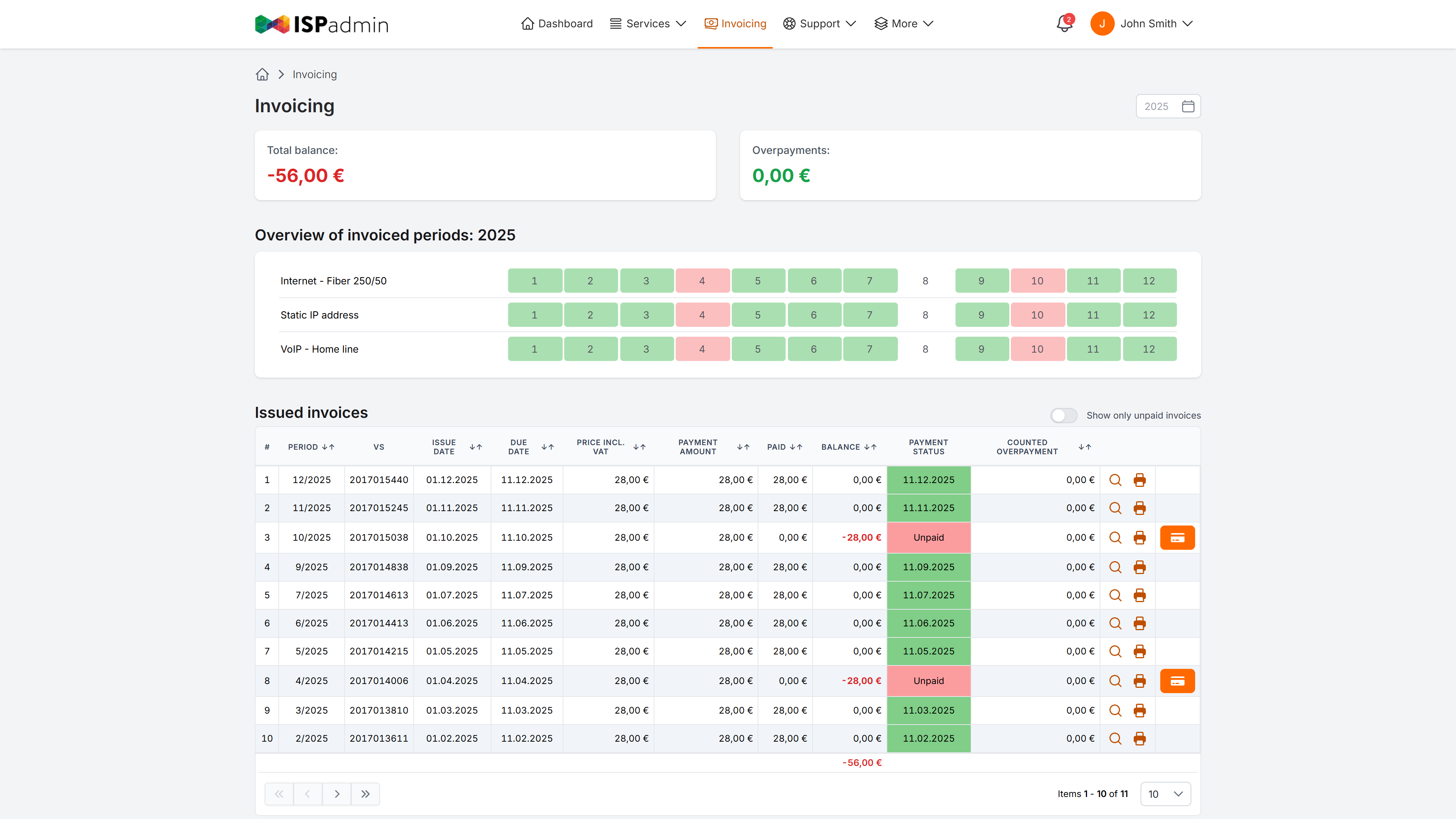
In the client portal, clients find their contracts and documents. With the Invoicing and Helpdesk modules, they can also pay invoices online and send requests straight to the Helpdesk.
-

Contract endings under control
ISPadmin reminds you before a contract ends. The client can confirm its automatic renewal. Terminations are recorded on the client card.
Basic module
Module included in every license
Clients, services, contracts and the client portal. It also includes the Dashboard and most of the security features.
- Client details and VAT check Contact and billing details, with the client’s address on the map. For companies in the EU, ISPadmin verifies the VAT number in the VIES system.
- All services on one card Internet, VoIP and cable TV. With the NMM module, also internet tariffs with FUP limits, time-based tariffs and PROMO tariffs. A PROMO tariff temporarily increases a client’s speed, and when the promotion ends, ISPadmin returns the service to the original tariff.
- Contracts and renewal Contracts from templates with variables, contract summaries under the European Electronic Communications Code and a record of terminations. Reminders before a contract ends, and automatic renewal that the client can confirm.
- Communication with clients Each client can have a separate billing, technical and sales e-mail address, so invoices can go to a different address than technical notices. You send bulk e-mails and SMS from templates and can look up every message sent.
- Photos and documents Installation photos, signed contracts and other documents are stored with the client, not in a shared folder.
Client portal
Part of the Basic module
Self-service for your clients, with your logo and colours. What clients see in it depends on the modules you use.
- Invoices and online payment With the Invoicing module, clients see their invoices and can pay them online via PayPal.
- Services and requests Clients find their documents and contracts in the portal, and with the NMM module also charts of transferred data and FUP usage. With the Helpdesk module, clients send a request or a service change request straight to the Helpdesk.
- GDPR consents Clients give their GDPR consents in the portal.
- Space for your announcements Rotating banners on the portal’s home page show operational announcements and sales offers.
How the client card connects to the rest
More in News
-
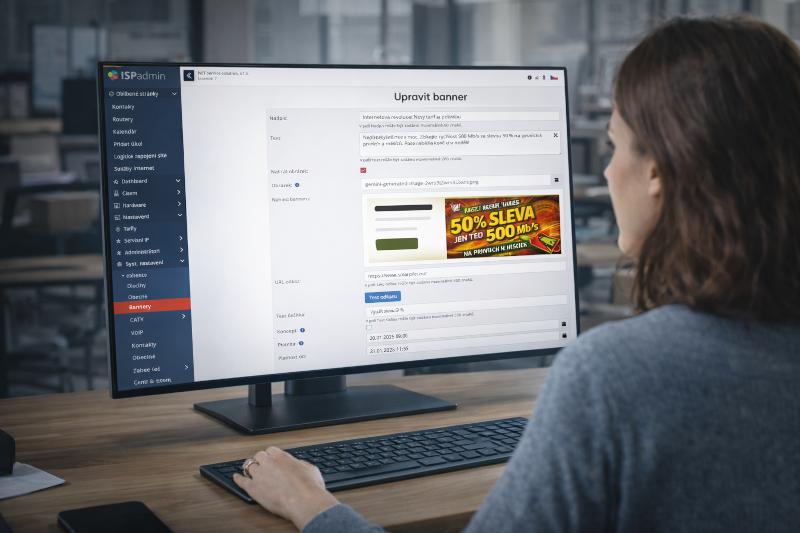
The Client Portal as a Modern Self-Service Platform
Customer communication today is just as important as connection quality. Fast, targeted, and clear information delivered at the right moment determines…
-

The client portal has received a complete facelift — you’ll barely recognize it!
We’ve turned the client portal inside out and rebuilt it from the ground up. It’s faster, smarter, and better-looking.
-
New in ISPadmin: PROMO tariff
Do you want to offer your customers a temporary increase in internet speed, provide a bonus for new clients, or launch a short-term marketing campaign?


Demo and a non-binding quote
Explore ISPadmin in the demo as an administrator, or tell us how many clients you have and which modules interest you – we will prepare a non-binding quote.
Try the demo for free Get a non-binding quote
Sales: +420 588 887 778, sales@ispadmin.eu