
Network management and monitoring for ISPs
You manage wireless networks, GPON fibre and cable networks with CMTS in one system – from a few routers to thousands of devices. ISPadmin is not tied to one manufacturer, and it automatically writes changes made on the client card to MikroTik and Linux routers and to OLTs.
What you get
-

Changes without logging in to routers
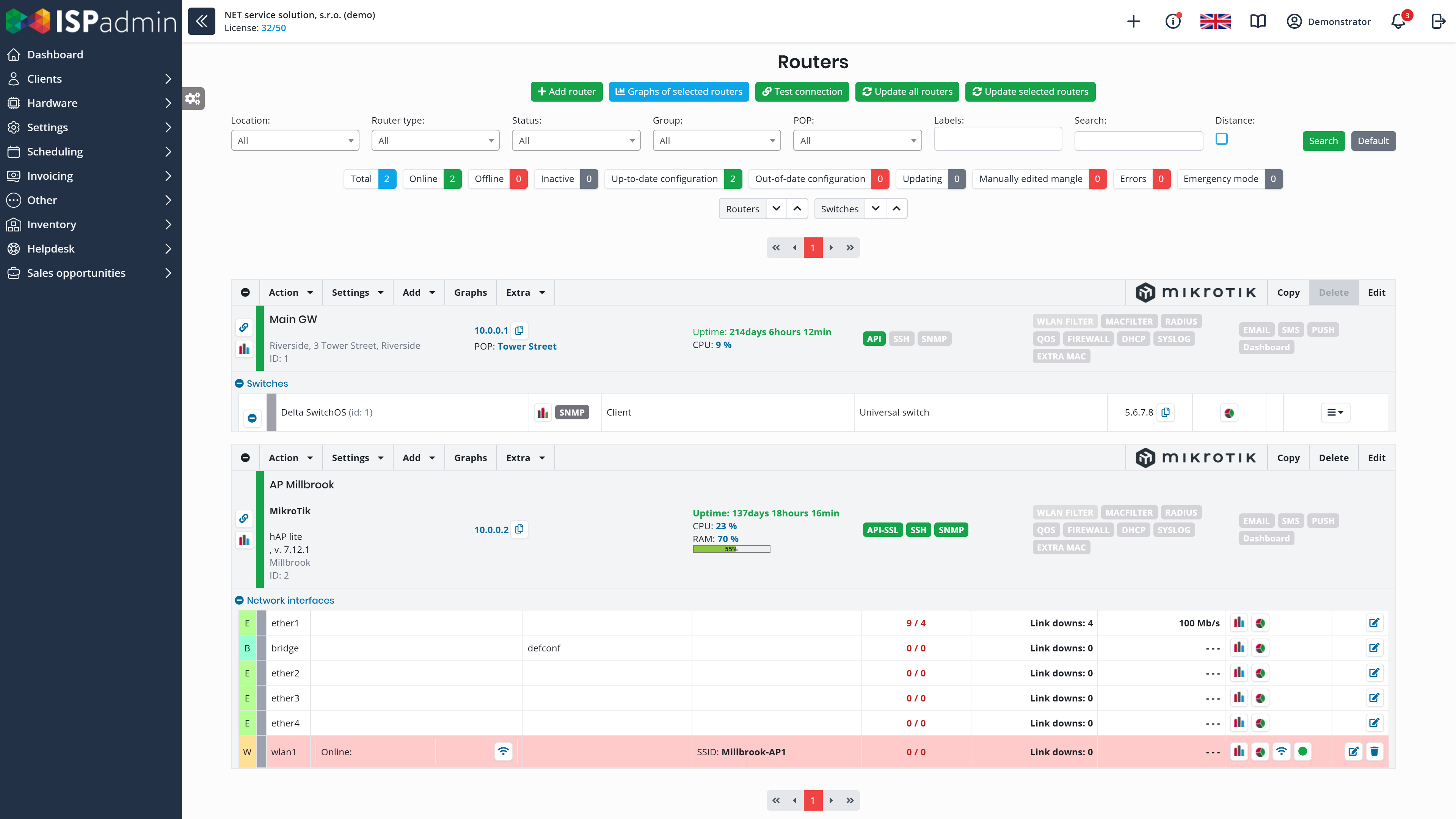
When you change a client’s tariff, block a service or add a new client, ISPadmin writes the rules to the MikroTik, the Linux router or the OLT.
-

Outages in one place
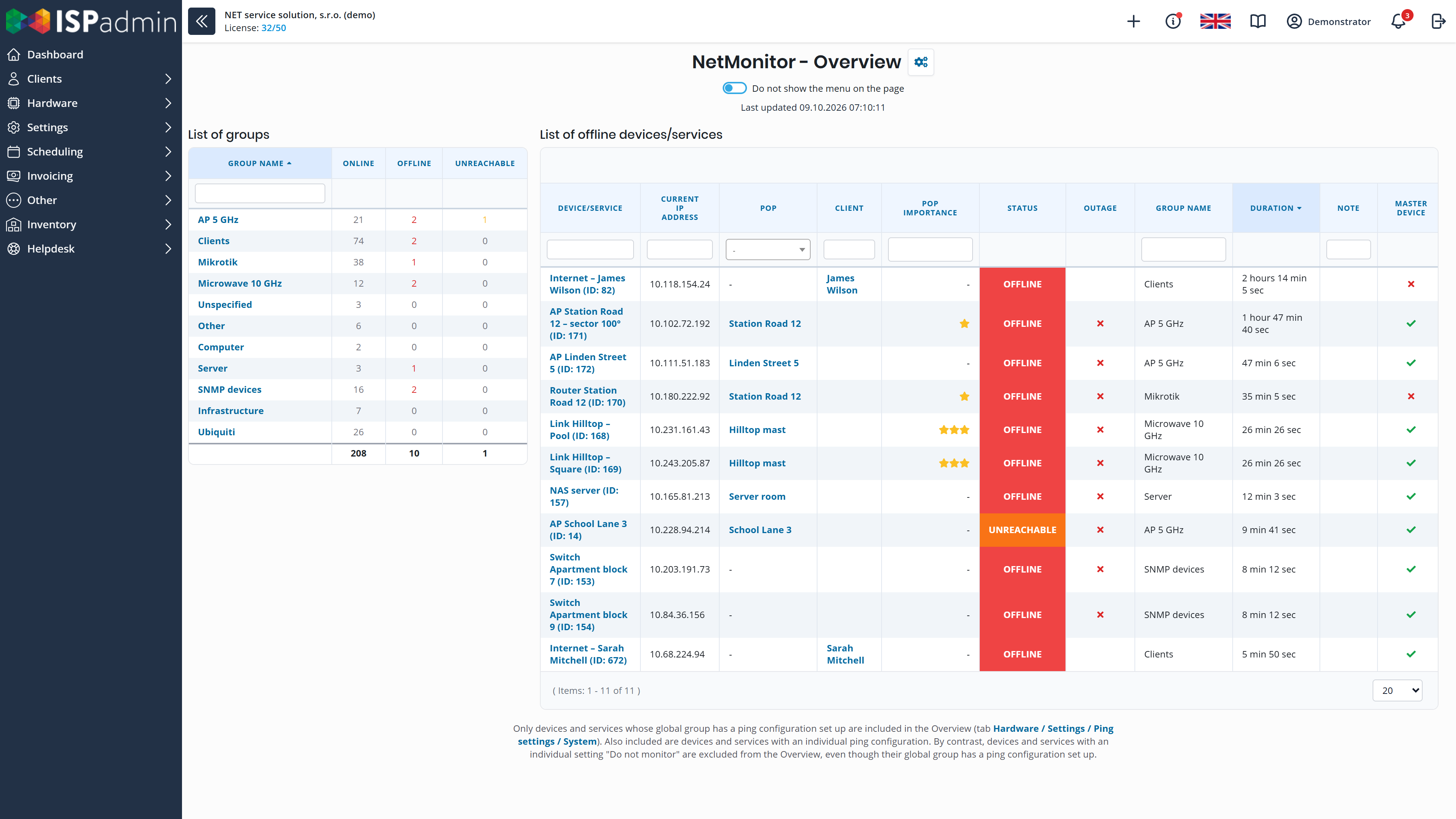
NetMonitor shows what is offline and for how long. During a mass outage, it sends only what matters instead of hundreds of alerts.
-

Wireless, fibre and cable in one system
You keep clients on wireless, fibre and cable in the same records. ISPadmin works with MikroTik, Ubiquiti, Cambium, Huawei and TP-Link OLTs and CMTS.
Network Management & Monitoring
Add-on module (NMM)
Management and monitoring of routers, switches and links. The Radius, GPON and CMTS modules, as well as automatic blocking of non-payers, work only with NMM.
Routers and automatic changes
- Changes are written to routers automatically When you change a client’s tariff, block a service or add a new client, ISPadmin writes the rules, firewall and queues (queue tree; simple queue as an extension) to the MikroTik or Linux router. On Ubiquiti, Cambium and other devices, it writes the MAC filter and backs up the configuration. All devices and switches via SNMP are monitored – the full list is under Supported devices.
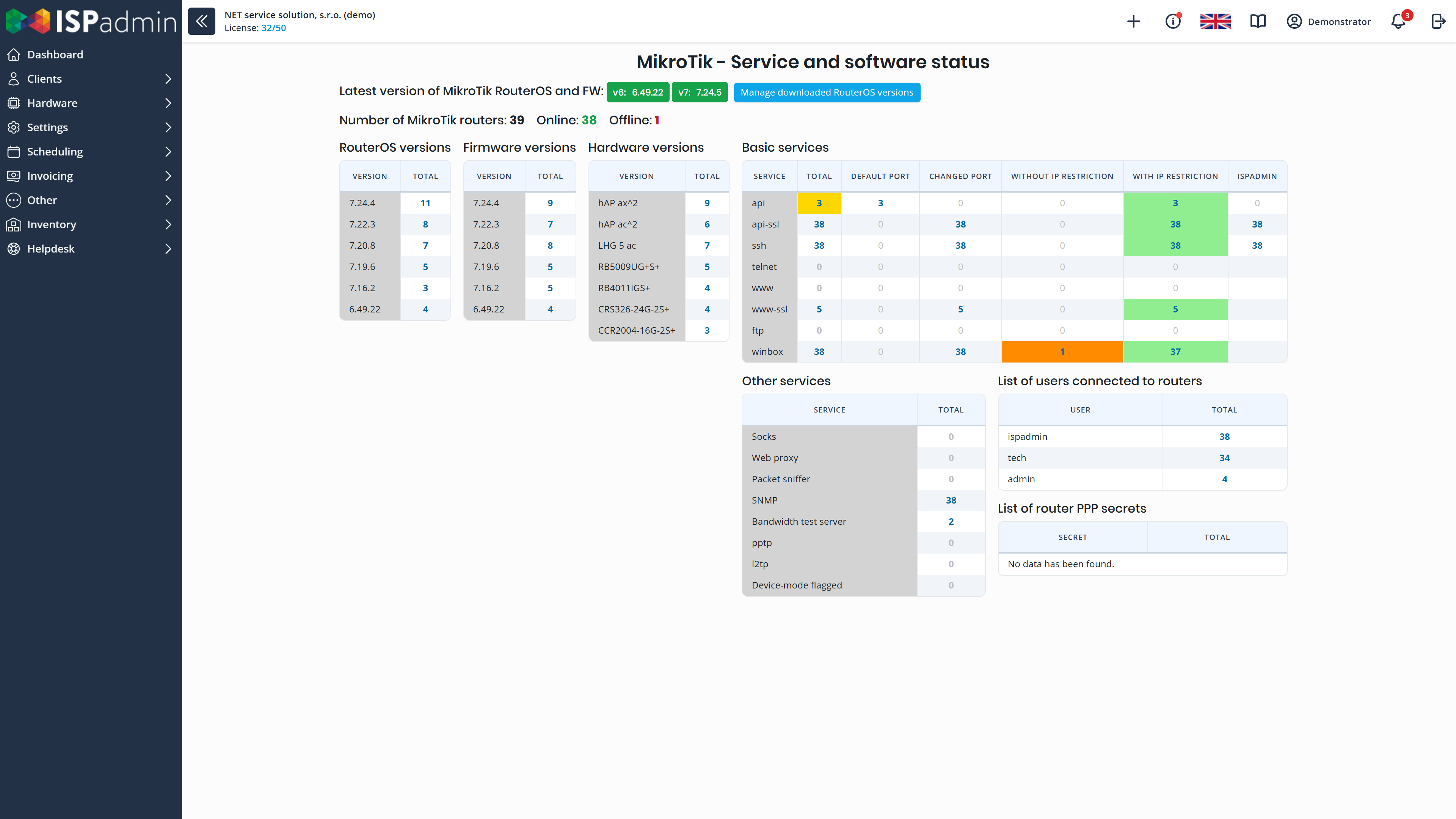
- RouterOS versions and updates An overview of RouterOS versions on all your MikroTik routers, and an alert when RouterOS itself flags a router as compromised. You update them in bulk to the latest stable version of the same branch, or upgrade them to a newer version. You also change passwords and users in bulk and open WinBox straight from the overview.
- Scripts and configuration backups You run a command over SSH or Telnet on several devices at once, immediately or on a schedule, with a history of runs. Configurations of routers, switches and OLTs are backed up.
Monitoring and outages
- NetMonitor watches availability What is offline and for how long, ping charts, SNMP templates, alerts and notifications. During a mass outage, it switches to safe mode and sends only what matters instead of hundreds of alerts.
- WiFi clients and links ISPadmin detects when a client’s device connects to a different access point than the one recorded for the service, and you move the service with one click. For links, you can run a WiFi scan (frequency utilisation, noise and nearby networks) and a throughput test.
Switches, addresses and map
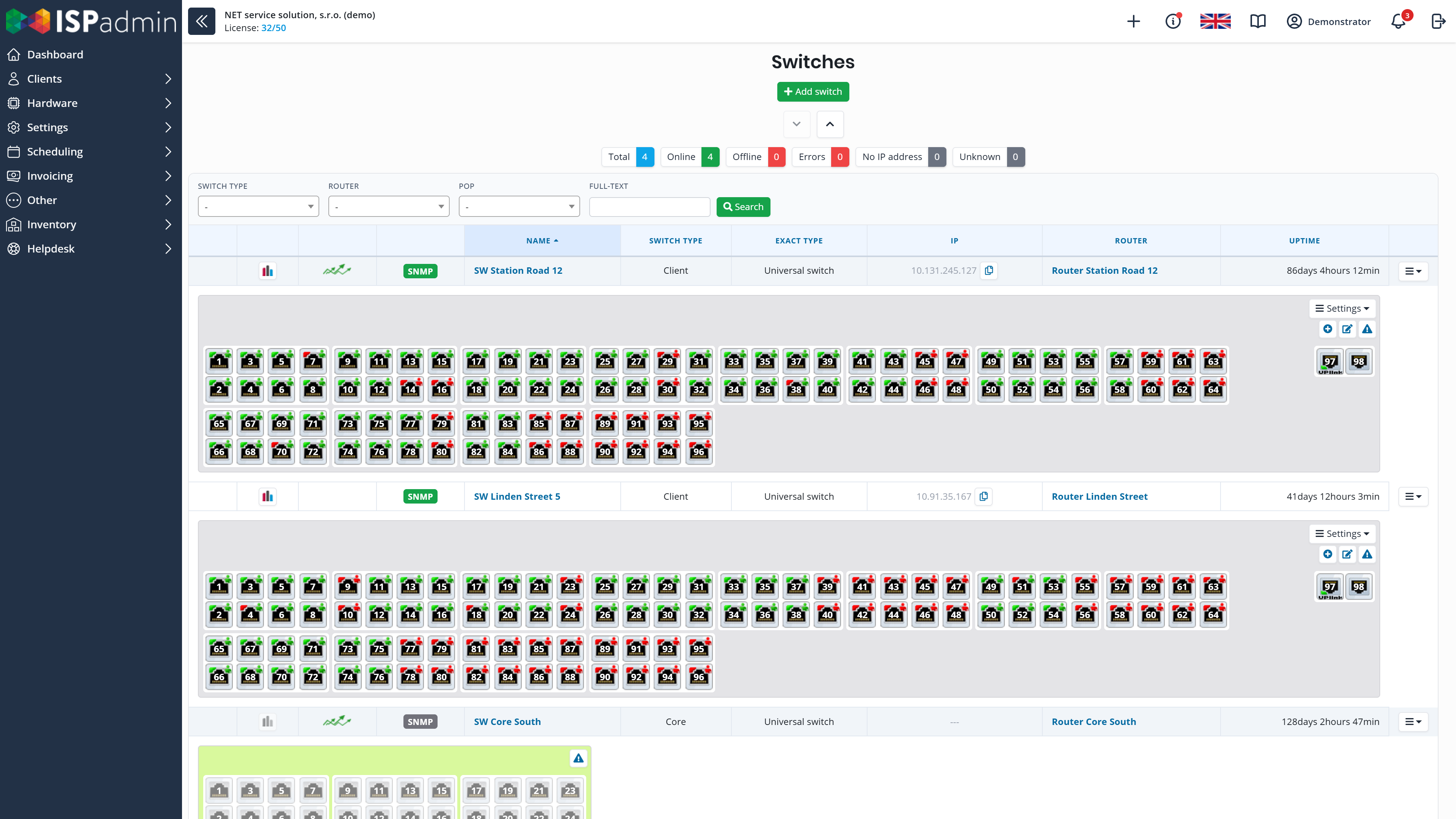
- Switches and IP addresses Status and charts of individual switch ports. IPv4 ranges, IPv6 prefixes, IP pools for RADIUS and NAT, and checks for duplicate IP addresses.
- POPs, map and link planning POPs and the links between them on the network map. For a new link, you display the terrain elevation profile between two points.
- NMM extensions A logical network diagram (even for tens of thousands of elements) and POP financial statistics – what each POP costs you.
Radius
Add-on module
Authentication of clients and technicians based on the data in ISPadmin. Works with the NMM module.
- Client login PPPoE and HotSpot. The client receives the IP address, speed and other limits according to their service in ISPadmin.
- Changes without a restart You disconnect a client’s active session on a MikroTik straight from ISPadmin, without restarting the device – once the client logs in again, the new tariff or block applies.
- Technician access to MikroTik routers Technicians log in to routers with accounts you manage centrally in ISPadmin. When a technician leaves, you revoke access in one step, not on each router separately.
- Backup RADIUS server (extension) A second installation on another server continuously receives a copy of the login data. MikroTik routers have both servers configured, so clients can log in even when the main server is down. Requires the NMM and Radius modules.
GPON
Add-on module
An FTTH fibre network managed from the client card. Works with the NMM module.
- Activation from the client card You create or cancel the service on the client card, and ISPadmin configures the OLT. You also change speed, VLAN and profile there, without the OLT command line.
- Huawei and TP-Link OLTs Supports Huawei OLTs (MA5600 series) and TP-Link OLTs, with ONTs of any brand. ISPadmin reads the ONT status – online, optical signal, type and firmware – via SNMP.
- Multi-port ONTs and moving clients You split the ports of one ONT between services and even between clients. When a client moves, you move the ONT along with its history. You see the status of LAN ports and the connection point in the connection overview.
- Internet and IPTV as one service The client gets one invoice and sees one service in the portal.
CMTS
Add-on module
Clients connected over cable TV networks. Works with the NMM module.
- Modems and their configuration Records of cable modems, automatically generated configuration files and SIP configuration for the VoIP part of the modem.
- Cable network monitoring Monitoring of return channels on the headend, client modems, line amplifiers and signals.
- CATV connections Records of connections with a graphical view of occupancy, frequencies and routes.
- Supported CMTS Cisco uBR, Arris C3/C4, Motorola BSR, CASA, Juniper G1 and miniCMTS.
Supported devices
ISPadmin works with devices from these manufacturers. Payments, accounting, e-mail and other connections are described under Integrations and API.
-
Network devices
MikroTik, Ubiquiti (airFiber, EdgeRouter, LTU, Wave, AF60), Cambium, Canopy, RADWIN, Tachyon, Deliberant, Juniper, Linux and switches via SNMP
-
Fibre (GPON)
Huawei OLTs (MA5600 series) and TP-Link OLTs, ONTs of any brand
-
Cable networks (CMTS)
Cisco uBR, Arris C3/C4, Motorola BSR, CASA, Juniper G1 and miniCMTS
How network management connects to the rest
More in News
-
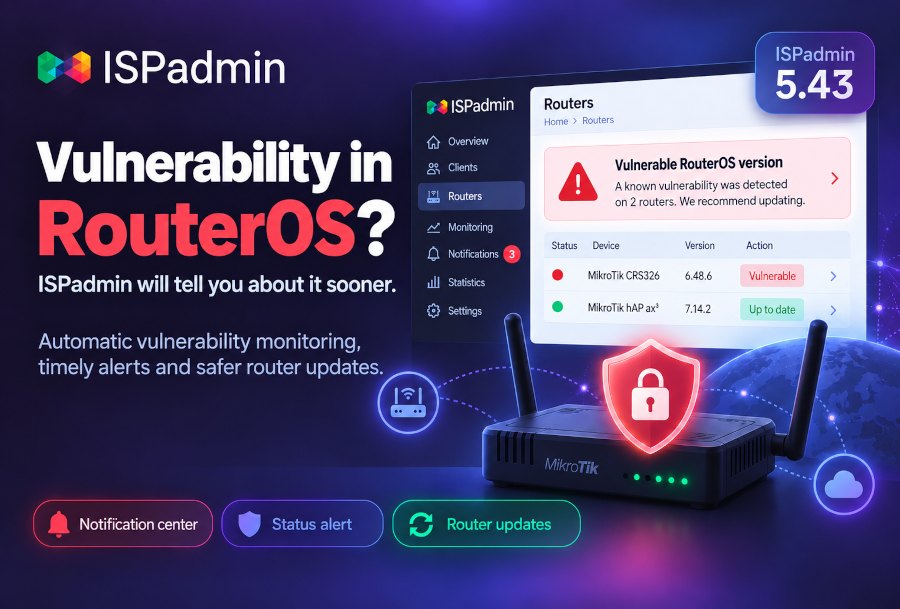
A RouterOS vulnerability? ISPadmin tells you before anyone else finds it
ISPadmin 5.43 flags RouterOS vulnerabilities in the Notification center, adds status alerts and splits router updates into in-branch patches and version upgrades.
-
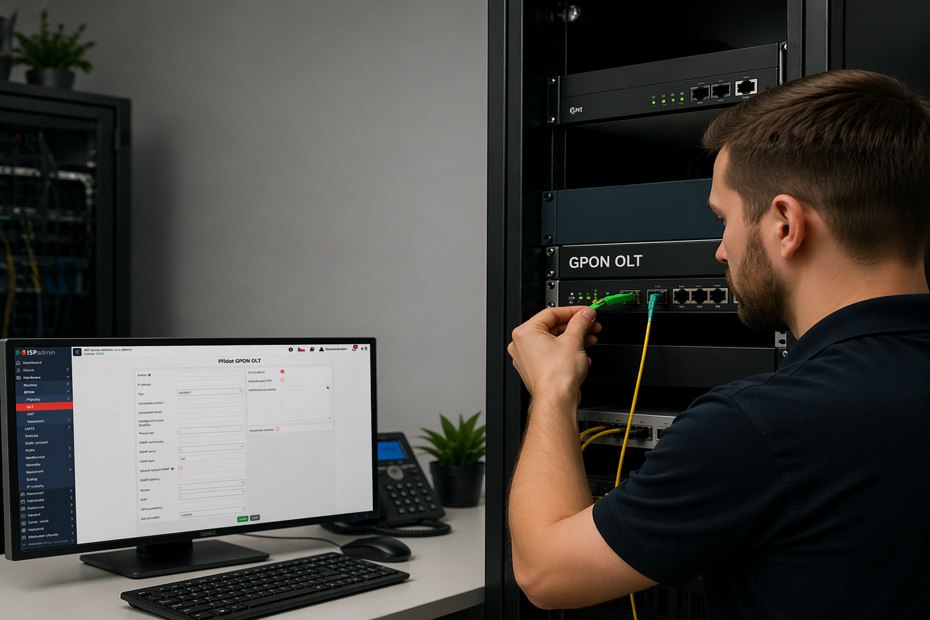
GPON from A to Z: How to Run Your Entire FTTH Network from One Place in ISPadmin – from ONT Activation to IPTV Service
The FTTH boom across Europe has handed providers a new problem: how to efficiently manage hundreds to thousands of ONT units when every OLT vendor has its own…
-
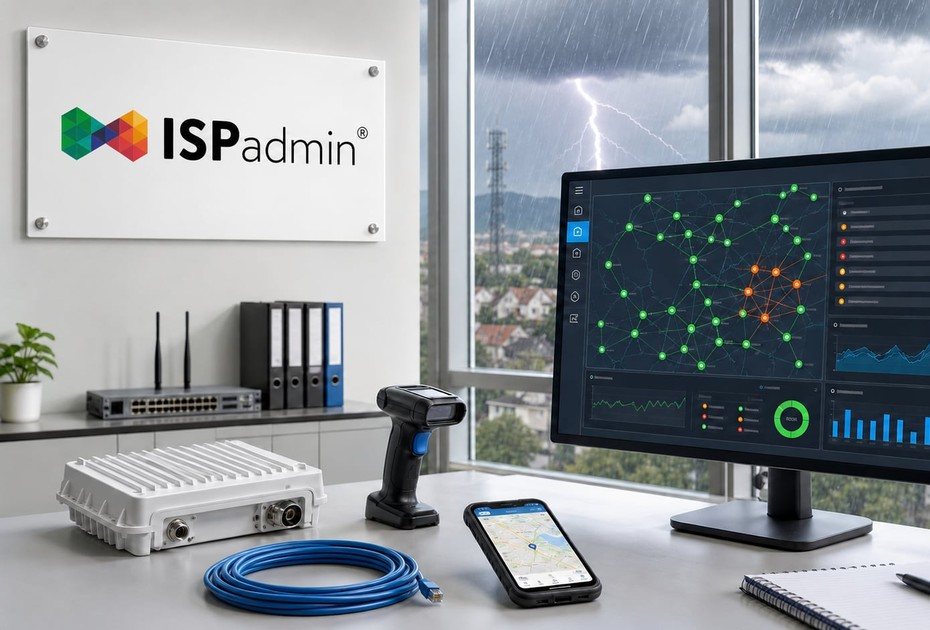
Before the storm hits: How to keep an eye on your network and handle outages from one place with ISPadmin
Summer is a trial by fire for ISPs — and by water. Storms, power surges and fallen trees can take down half your network in minutes.


Demo and a non-binding quote
Explore ISPadmin in the demo as an administrator, or tell us how many clients you have and which modules interest you – we will prepare a non-binding quote.
Try the demo for free Get a non-binding quote
Sales: +420 588 887 778, sales@ispadmin.eu