

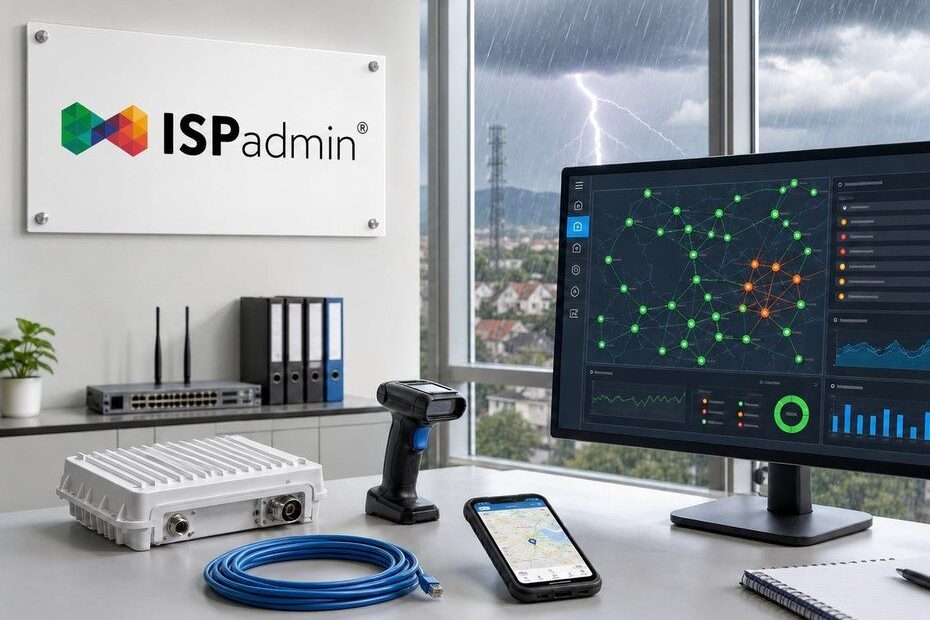
Summer is a trial by fire for ISPs — and by water. Storms, power surges and fallen trees can take down half your network in minutes. Here’s how ISPadmin helps you spot an outage before your customers do, keep your dispatch team from drowning in alerts, and have spare parts and technicians ready to roll.
Storm season is here — and your network will feel it
Hail, wind, surges on the power line, a flooded cabinet. Every network operator knows the scenario: a storm rolls in and within minutes the phones start ringing. The question is never whether an outage will happen, but how fast you’ll find out about it and how prepared you’ll be when it does.
The good news is that most of the tools you need to get through storm season are already sitting together in ISPadmin — from network monitoring through a backup RADIUS and outage records all the way to warehouse stock and a mobile app for field technicians. Let’s walk through them in the order you’ll actually need them during a crisis.
1. NetMonitor: know about an outage before your customer does
The basics are simple — you want to hear about a problem from the system, not from an angry client. That’s what network monitoring and NetMonitor are for.
ISPadmin continuously tracks device status across platforms — MikroTik, Ubiquiti, Linux, airFiber, Cambium and others — and keeps an eye on switches too. When something stops responding, you get an alert. You tailor the setup through SNMP templates and NetMonitor notifications, so your dispatch team sees what actually matters and the alerts land where they should.
A practical tip before the season: check that all your key POPs and backbone links are covered, and verify that notifications are going to the right people and channels. An alert nobody reads is as good as no alert at all.
2. Safe mode: when half the network goes down, your dispatch team won’t drown
A storm rarely takes down just one device. When power fails across an entire site, monitoring can generate hundreds of alerts at once — and at exactly the moment you need a clear head, the dispatch team gets buried in notifications.
That’s precisely what NetMonitor’s safe mode is for. Through the fail_safe_mode_trigger_threshold setting you define a limit on the number of unavailable devices. Once it’s exceeded, monitoring switches to a limited mode and the dispatch team receives only the key information, not a massive wave of false alarms. The team sees the essence of the problem — an entire site is down — instead of three hundred individual notifications.
It’s also one of the elements that help meet NIS2 requirements for keeping monitoring operational even during large-scale outages.
3. Backup RADIUS: clients stay online even if the main server goes down
A storm doesn’t have to take down just a rooftop antenna — it can knock out the server room itself. And when RADIUS “dies,” clients can no longer authenticate and nobody gets connected, even if the rest of the network is running. The Backup RADIUS server submodule is built for exactly this scenario.
The principle is simple: alongside the primary ISPadmin installation, a second, backup solution runs on separate hardware. When the main server fails or crashes, the end client authenticates against the backup RADIUS and stays online. Authentication data is synchronized automatically and continuously from the primary server, so the backup is always up to date — and when the main system is updated, the backup is updated too, over SSH.
The key is the configuration on the MikroTik side: the device receives the parameters of both the primary and the backup RADIUS server, so if the main one fails, it automatically tries the other (the timeout is tuned via the radius_service_timeout key). The switchover happens without anyone lifting a finger.
For the backup to make sense, it’s recommended to place it geographically elsewhere, on separate connectivity and a separate power source from the primary server — so the same storm doesn’t take both down. The submodule is available from version 5.37 beta2, requires the NMM and RADIUS modules to be active, and activation is arranged through sales (sales@ispadmin.eu), with the installation and configuration handled by an ISPadmin technician.
If you run PPPoE or HotSpot and client connectivity lives and dies with authentication, this is one of the best safeguards you can put in place before storm season.
4. Outage records and POPs: an overview instead of chaos
Once an outage does happen, you need to record it somewhere, tie it to a location and track it until it’s resolved. The Hardware module gives you POP definitions and outage records — so you know what’s down, since when, and everything it affects. After the season, you also get data out of it: where things fail repeatedly, and where to invest in surge protection or backup power.
5. Central warehouse: spare parts ready to roll
The fastest monitoring in the world is useless if the technician has nothing to swap the broken device for. The central warehouse gives you an overview of where each antenna, switch or set-top box is, and thanks to barcode reader support, stocking and issuing items is a matter of seconds.
Before storm season it pays to check your stock of critical parts — the units that surges destroy most often — and have them ready for quick issuing. Equipment is assigned directly to technicians or clients and linked to contracts, so even in the rush of call-outs you keep track of what ended up where.
6. Task Manager: technicians in the field with the information in their pocket
When someone heads out to make a repair, decisions are made in the field. The Task Manager mobile app (Android and iOS) gives the technician an overview of assigned tasks, routers and clients, tasks on a map with navigation, and — crucially — the online/offline status of devices right on their phone. A photo from the site goes straight onto the client’s record.
That way the dispatcher assigns tasks online and the technician doesn’t have to call the office to find out whether the link came back in the meantime. In storm-driven operations, where every minute counts, that means more repairs per day.
7. Helpdesk: customer communication under control
Even with perfect monitoring, customers will still call. The Helpdesk keeps all tickets, emails and phone calls in one place, sorted by department, status, priority and labels. Through a dashboard with reports and charts you can see how many tickets the storm brought in and how quickly you’re resolving them — and thanks to the link with the Planning module, a ticket turns straight into a task for a technician.
A short pre-season checklist
Before the first big storm rolls in, run through these:
- Are all your key POPs and backbone links covered in NetMonitor?
- Are alerts and NetMonitor notifications going to the right people and channels?
- Is
fail_safe_mode_trigger_thresholdset so a large outage doesn’t overwhelm you? - Do you have a backup RADIUS on separate hardware (different location, connectivity and power), and do your MikroTiks have both servers configured?
- Do you have critical spare parts in stock, and are they entered with the barcode reader for quick issuing?
- Do technicians have Task Manager on their phones with current access?
- Does the dispatch team know how to work with the Helpdesk and Planning during a wave of reports?
Bottom line: you can’t stop the storm, but you can stop its impact
Outages can’t be avoided entirely — but the difference between “we hear about it from a customer an hour later” and “the system alerted us and a technician is already on the way with a spare part” comes down to well-configured monitoring, a stocked warehouse and a mobile team. And you have all of it in ISPadmin, in one place.
Want to go through your NetMonitor or safe mode setup on your network? Get in touch — we’ll be glad to walk through it with you before the season, not in the middle of it.